April 22, 2026 · 3 min read
How brand kits keep AI-generated creatives on-brand
AI image generation is great until every creative looks like it came from a different brand. The brand kit feature in BrandShots is built to fix that, and it's harder than it looks.
By Smit Golakiya · Founder, BrandShots
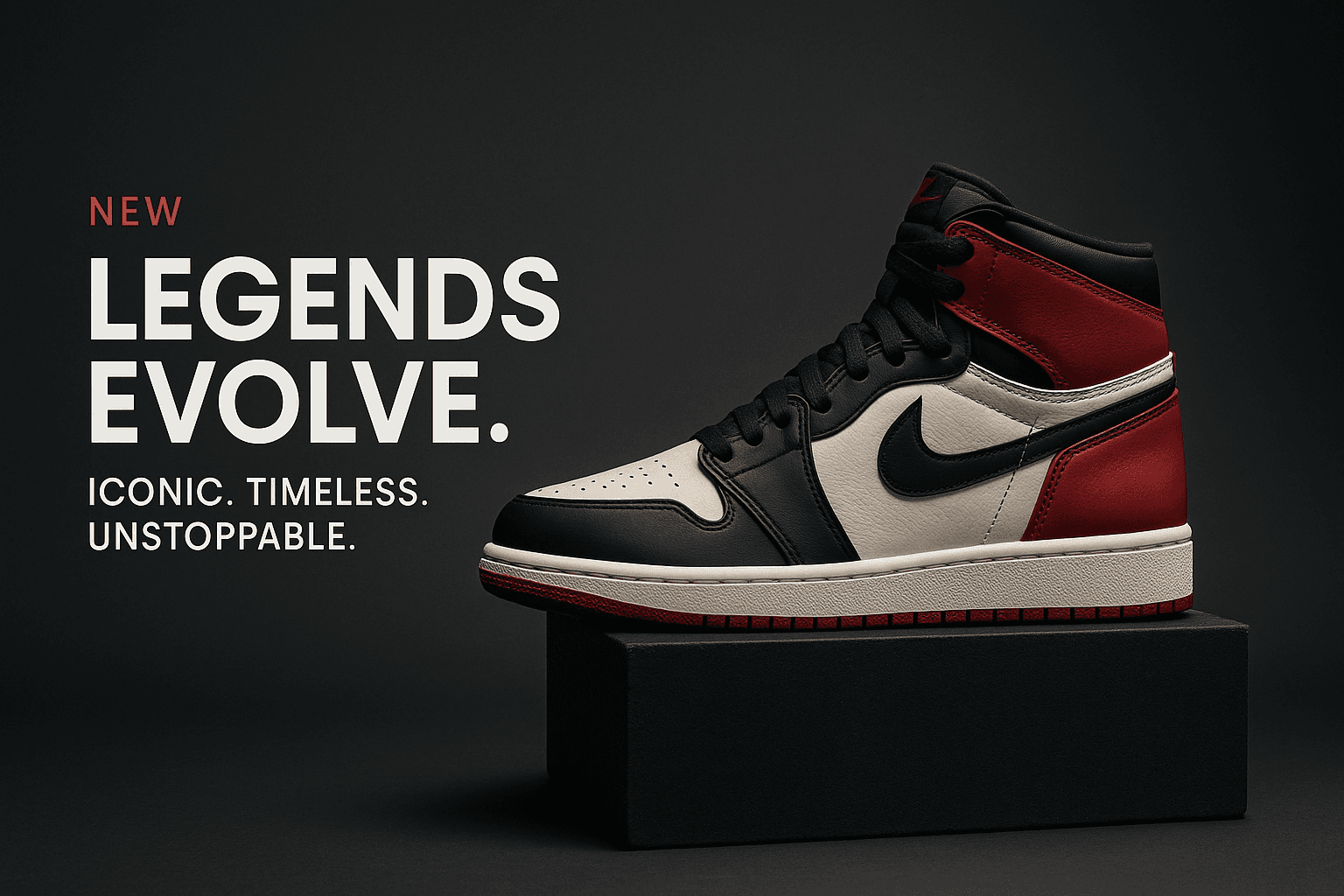
The biggest complaint we heard during BrandShots' beta was consistency.
Customers loved individual generations. But once they'd shipped a few of them, the same problem kept coming up: each generation, looked at on its own, was great. Lined up next to each other on a feed, they didn't read as the same brand.
The problem with prompt-only branding
Most AI image tools ask you to describe your brand in the prompt: "warm pastel palette, minimalist, hand-drawn feel." That works for the first few generations. Then you regenerate, change a word, and the whole vibe shifts. There's no anchor.
The model has nothing to latch onto across requests, so there's nothing to stay consistent with.
What the brand kit does
When you set up a brand kit in BrandShots, you give us four things:
- Logo: the actual file. Used as a visual reference for color and style consistency, only rendered into the image when you ask for it.
- Palette: up to 3 colors (primary, secondary, accent). These bake into the prompt as explicit directives: "Use these colors as the dominant tonal direction across background, props, and any text."
- Voice: a short paragraph describing your brand's tone. Threaded into the copy generator so captions and CTAs match.
- Logo description: a textual cue about your mark. Helps the model understand what kind of visual identity it's working with.
The interesting part: you usually don't want the logo in the image
The model treats the logo as a consistency reference, not as something to paste into the output. The palette + the mark style + the voice are what carry the brand through. The logo itself only renders when you explicitly ask for it in the brief notes.
This is the right default. Loud logos in every product shot read amateur. Subtle palette + voice consistency reads as a real brand.
Auto-importing from a website
For new users who don't want to set anything up by hand, BrandShots can scrape your brand from a URL. Drop in your website URL and we extract the title, description, palette (theme-color + dominant CSS variables), favicon, and a logo description via grounded Gemini search. You review, edit anything wrong, and save.
It's not perfect (sites with complex CSS sometimes give us muddy palettes), but it gets a usable kit in front of users in under 30 seconds.
What's next
We're working on per-product brand overrides (so a sub-brand can borrow most of the parent's voice but flip the palette) and brand A/B testing for ads (run two palette variants and see which converts).
If your Slack is full of "is this on-brand?" debates, the brand kit is for you. Try it.