01
Studio-quality product photos
Product photography that looks studio-shot, without renting a studio or hiring a photographer.
001·AI product photo generator
Upload one product photo, from skincare to jewelry, and get studio-quality product shots, social posts and ad creatives for Amazon, Shopify and Instagram. No photographer to hire, and no prompts to write.
5 free credits · No card required
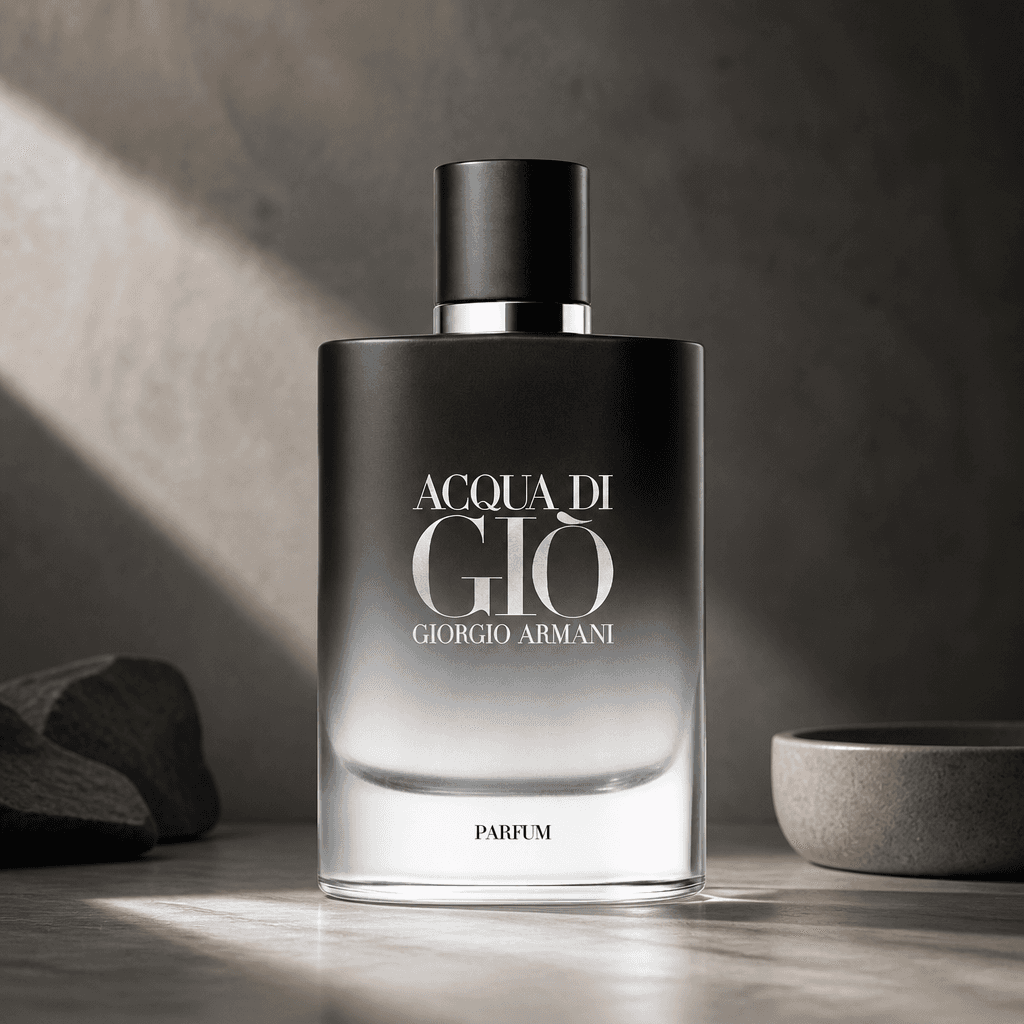
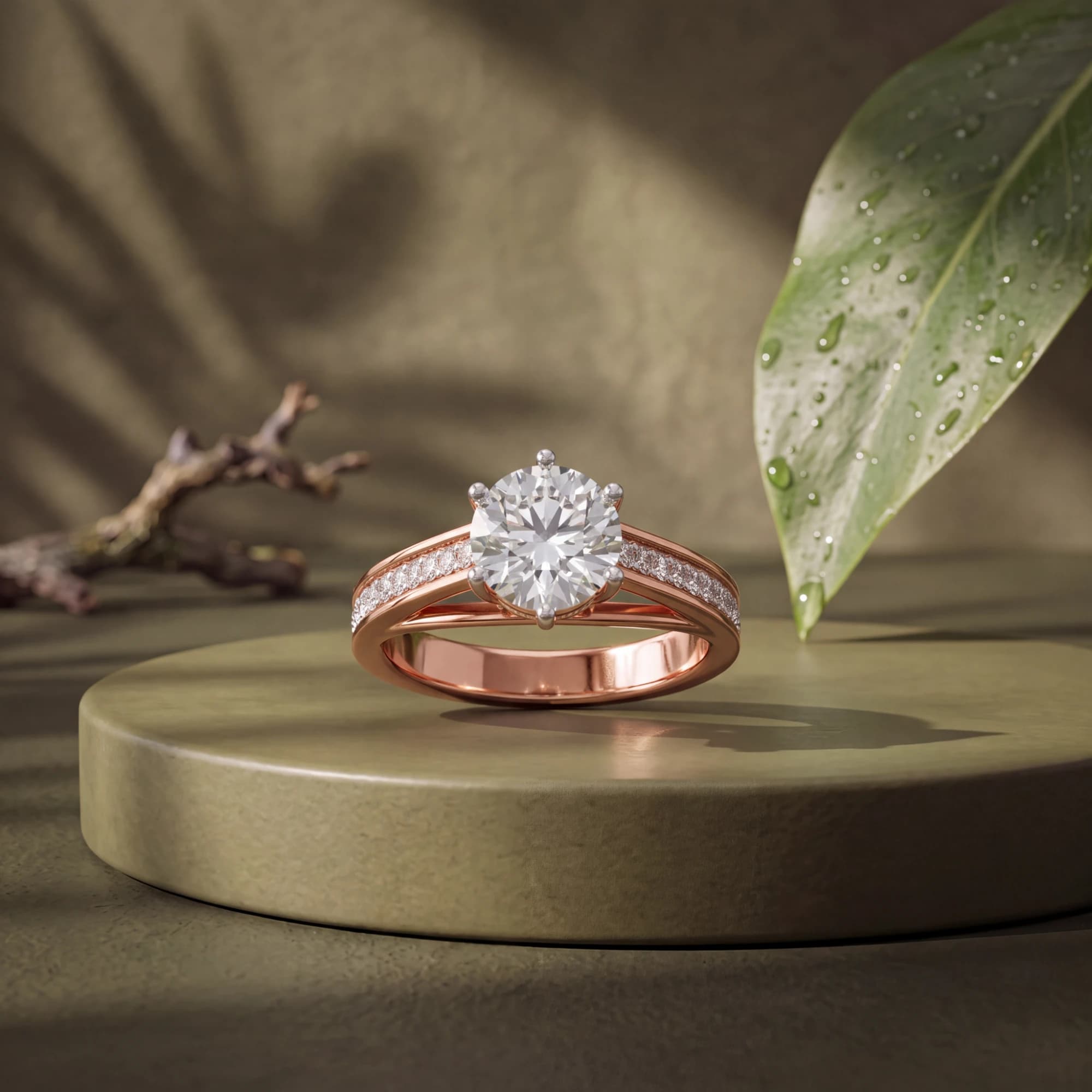
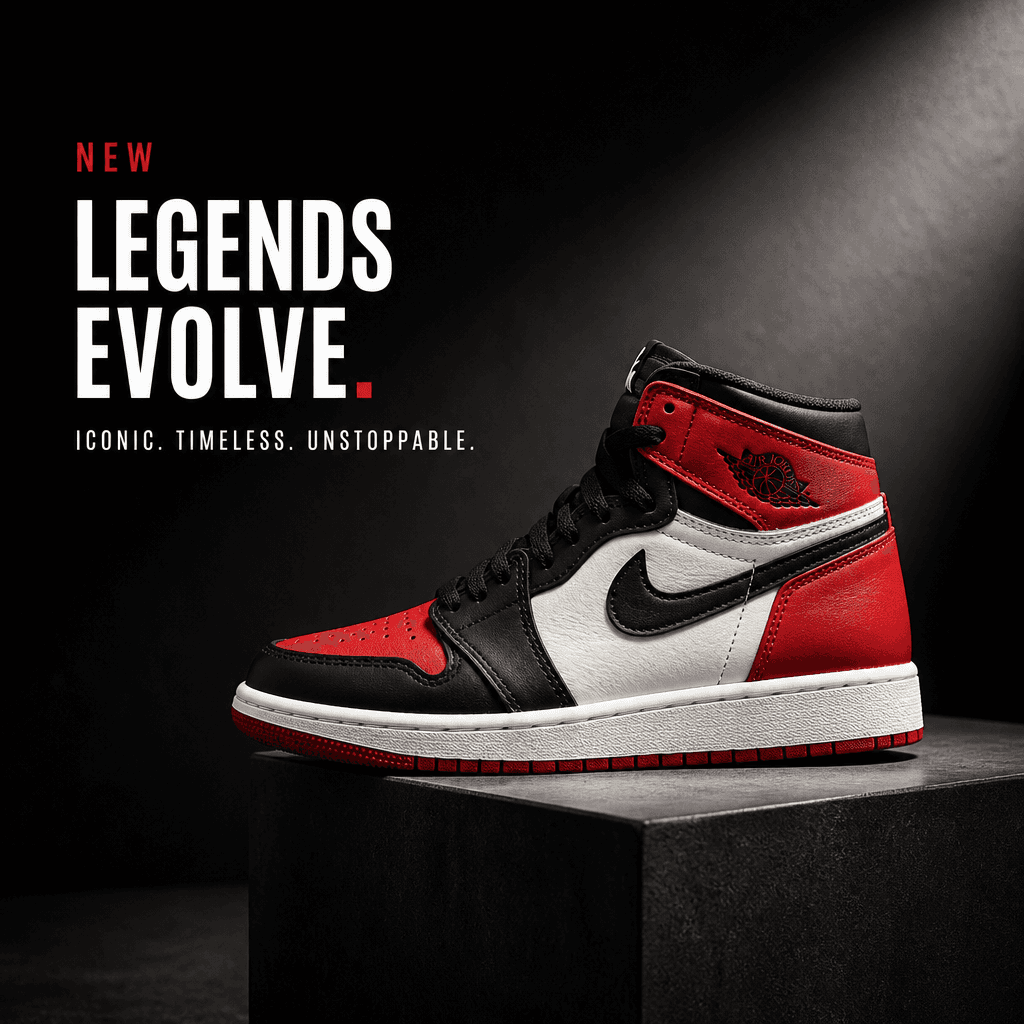
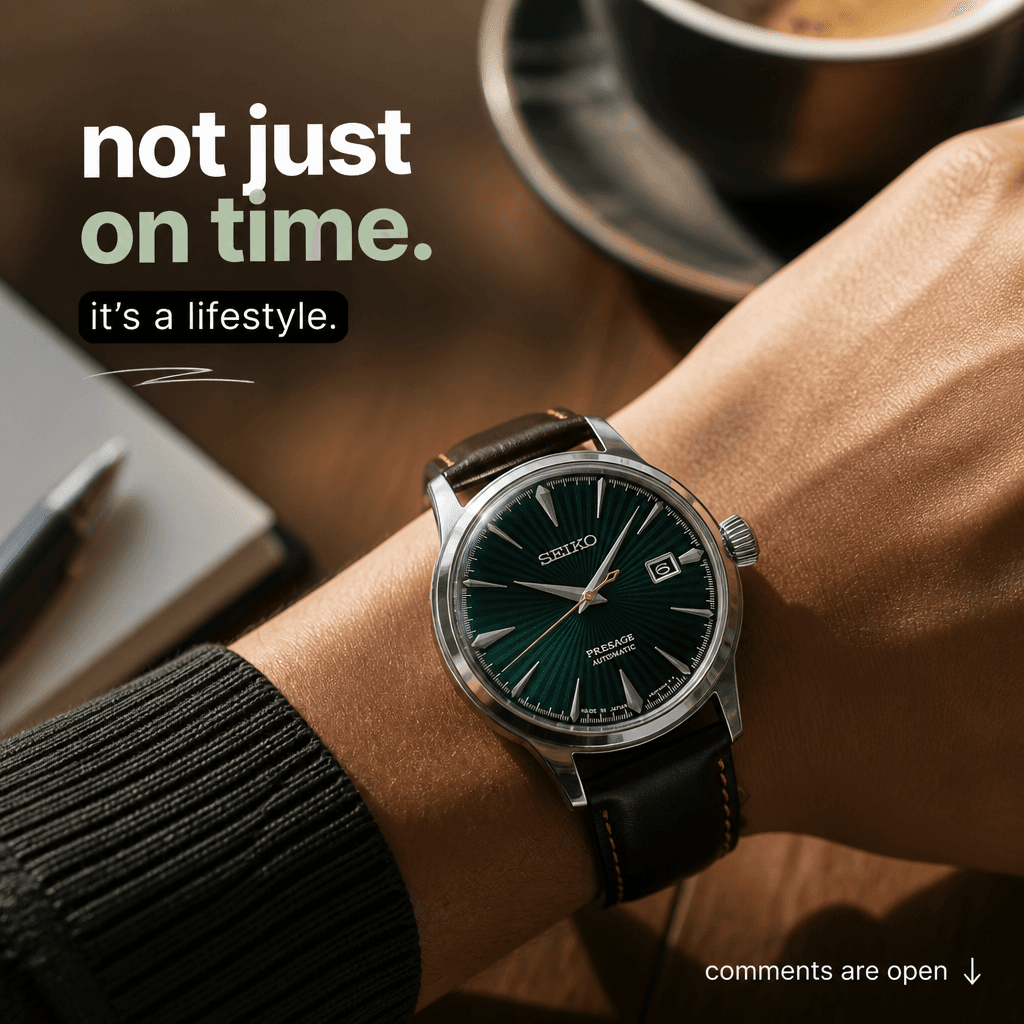
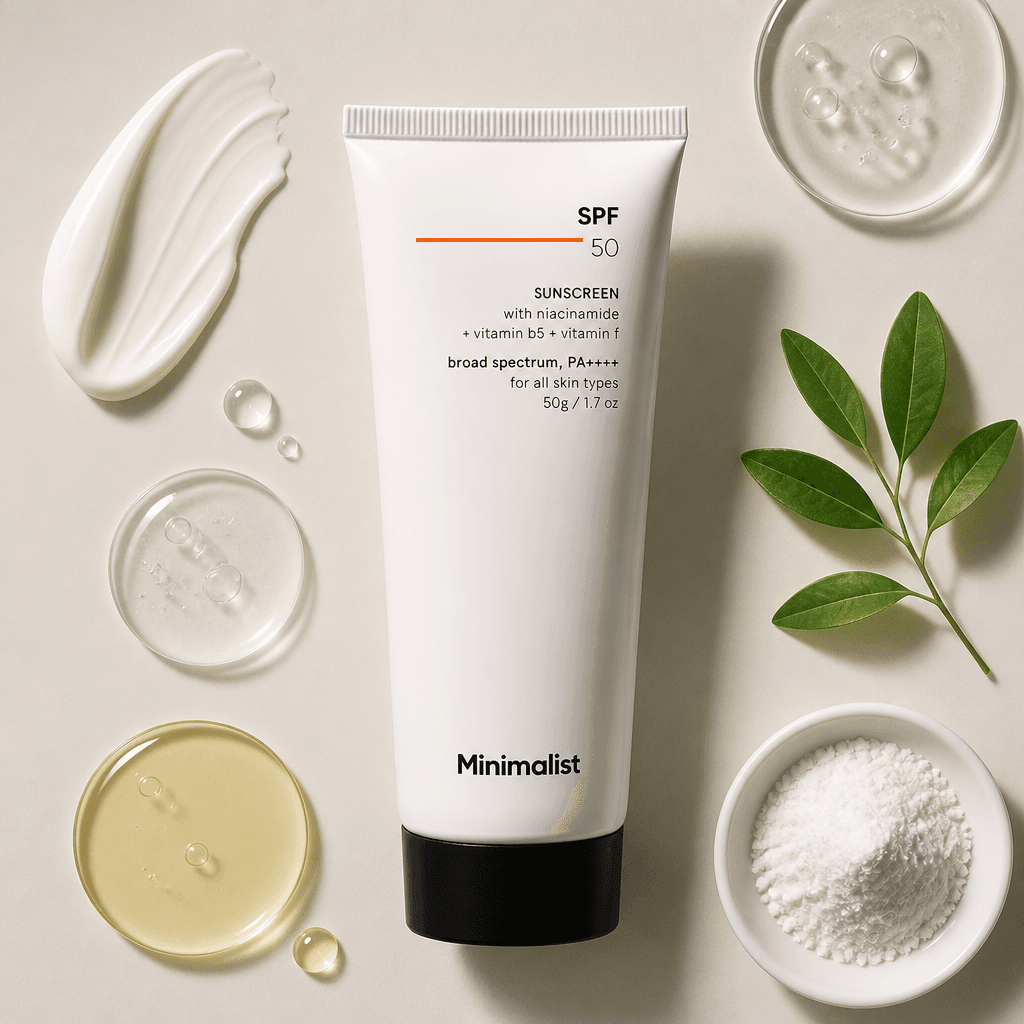 Plate 01 / 05
from this photo ↘
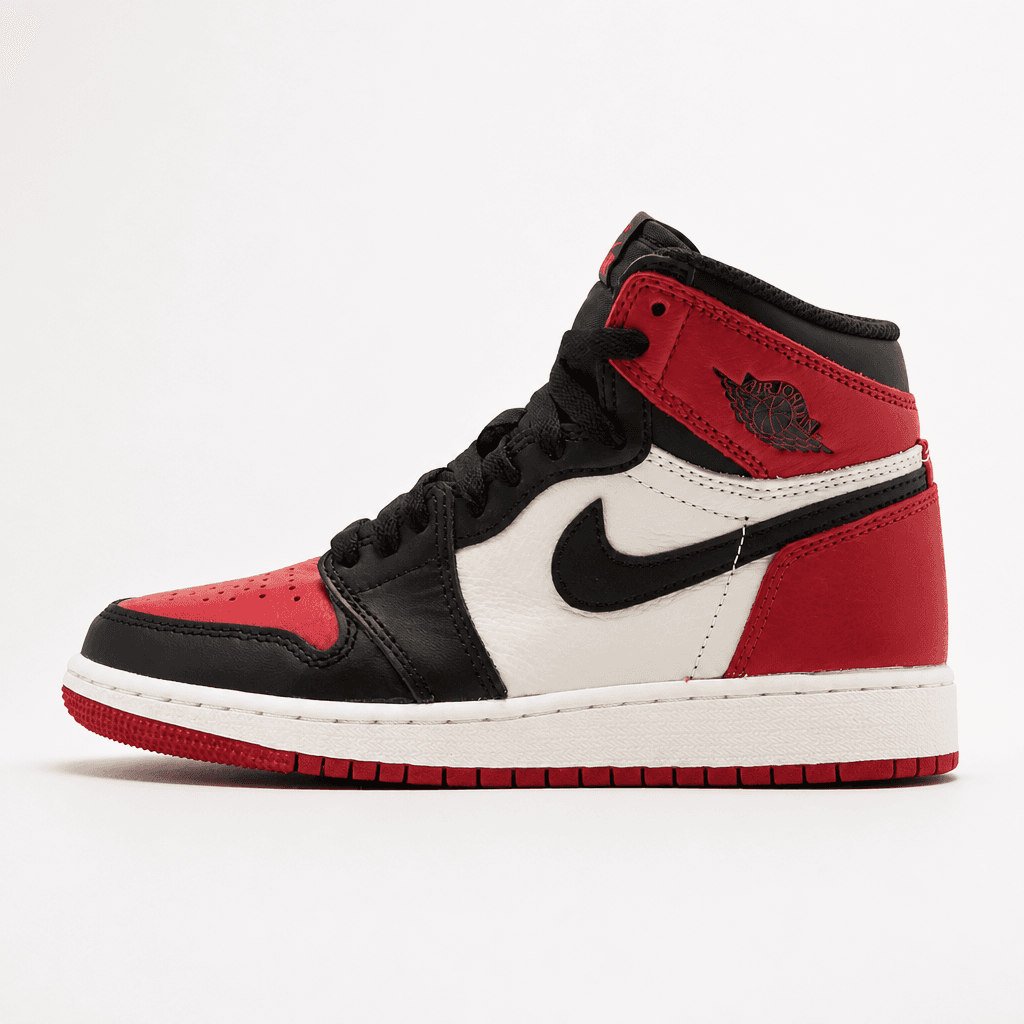
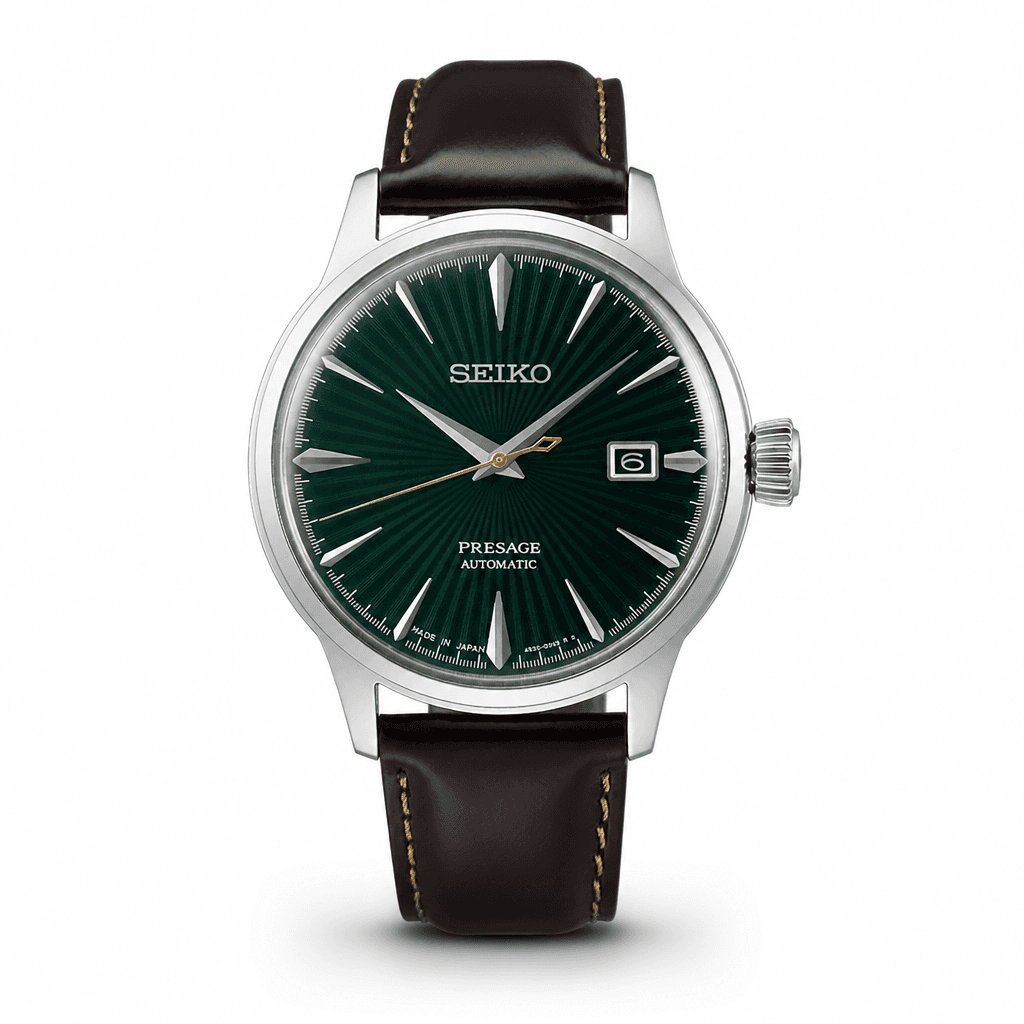
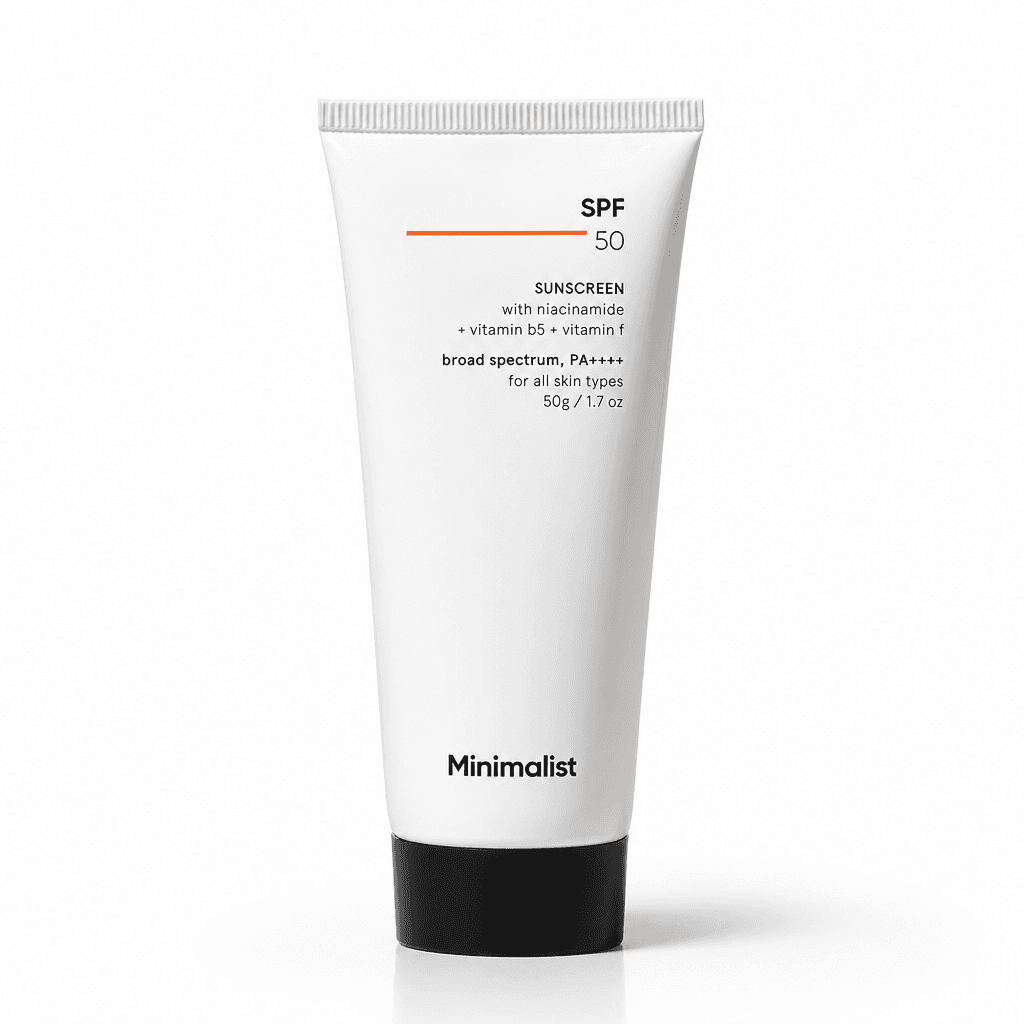
Made for listings, stores and feeds on
002·For jewelry brands
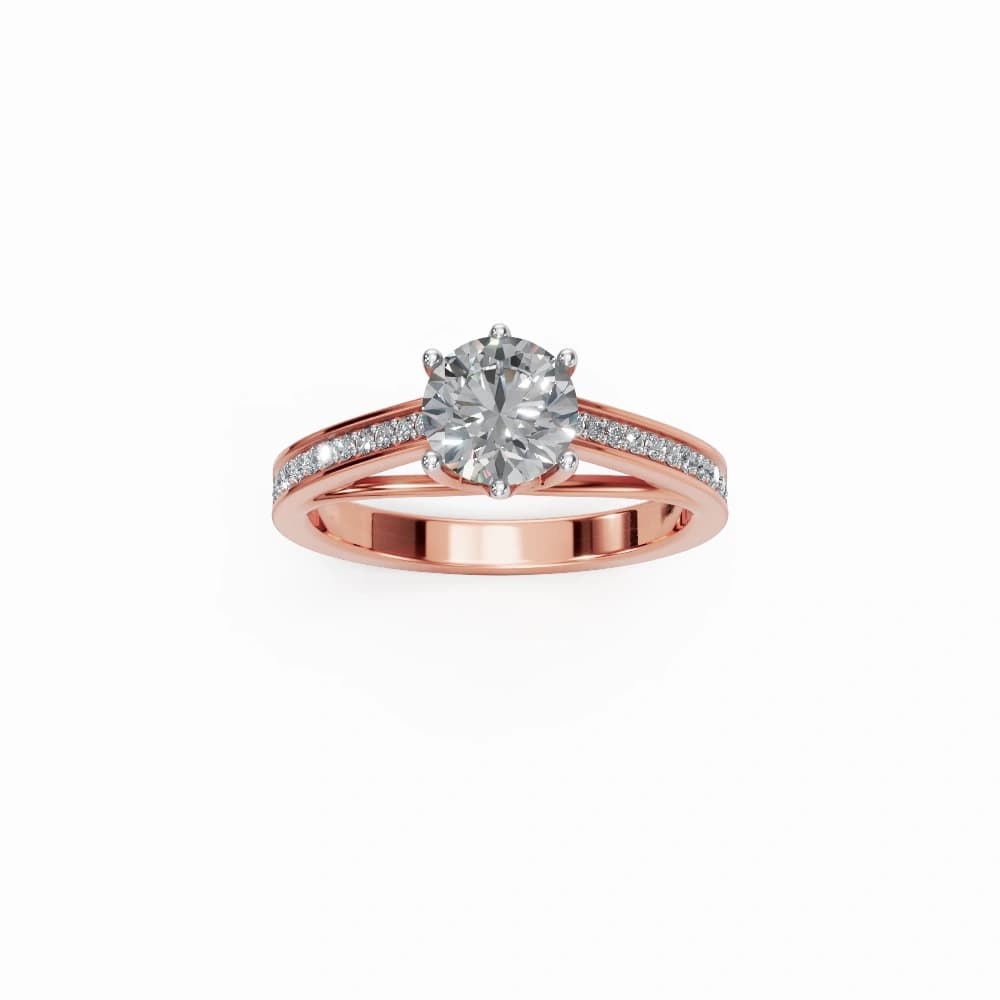
Upload a photo of a ring, a necklace, earrings or a bracelet. BrandShots detects that it's jewelry and switches on jewelry mode by itself, so there's no setting to hunt for.
Tip: HD or Ultra quality at 2K or 4K holds fine detail such as prongs and engraving. Very shiny metal and stones sometimes need a second try.
Try it on a piece from your collectionThe jewelry workflowJewelry mode
Switched on automatically
from this photo ↘
003·How it works
No studio to book and no prompts to write. Upload, pick a format and download.
Drop in one clear photo of your product. A phone photo is fine. We clean up the background and read the product's details so the model knows what it's looking at.
Choose a product shot, social post or ad creative, then a category built for ecommerce sellers. Your brand kit's logo, colors and voice apply automatically.
Get high-resolution variants in under a minute, ready for your listings, store and ads. Refine any variant with one line of feedback.
004·Features
Built for sellers, brands and teams that ship product content every week.
Product photography that looks studio-shot, without renting a studio or hiring a photographer.
Pick a creative type and a category. Proven prompts run under the hood, so you never face a blank canvas.
Your brand kit (logo, palette and voice) flows into every generation automatically.
Product shots, social posts, ad creatives and ad copy in one workflow. No more tool sprawl.
Multiple ready-to-use creatives per brief, in parallel. Download high-resolution PNGs.
Use generated images in ads, on Amazon and in your storefront. Every paid plan covers it.
005·Brand kit
Set up your brand kit once: logo, color palette and voice. Every product shot, social post and ad you generate carries it through automatically, and multi-brand teams can save several kits and switch with one click.
Brand
Auto-applied to this generationLumière Body
#7E4828 · #C45E37 · #F8E6D9
New brand? Drop your website URL and we'll pull the logo, colors, and voice automatically.
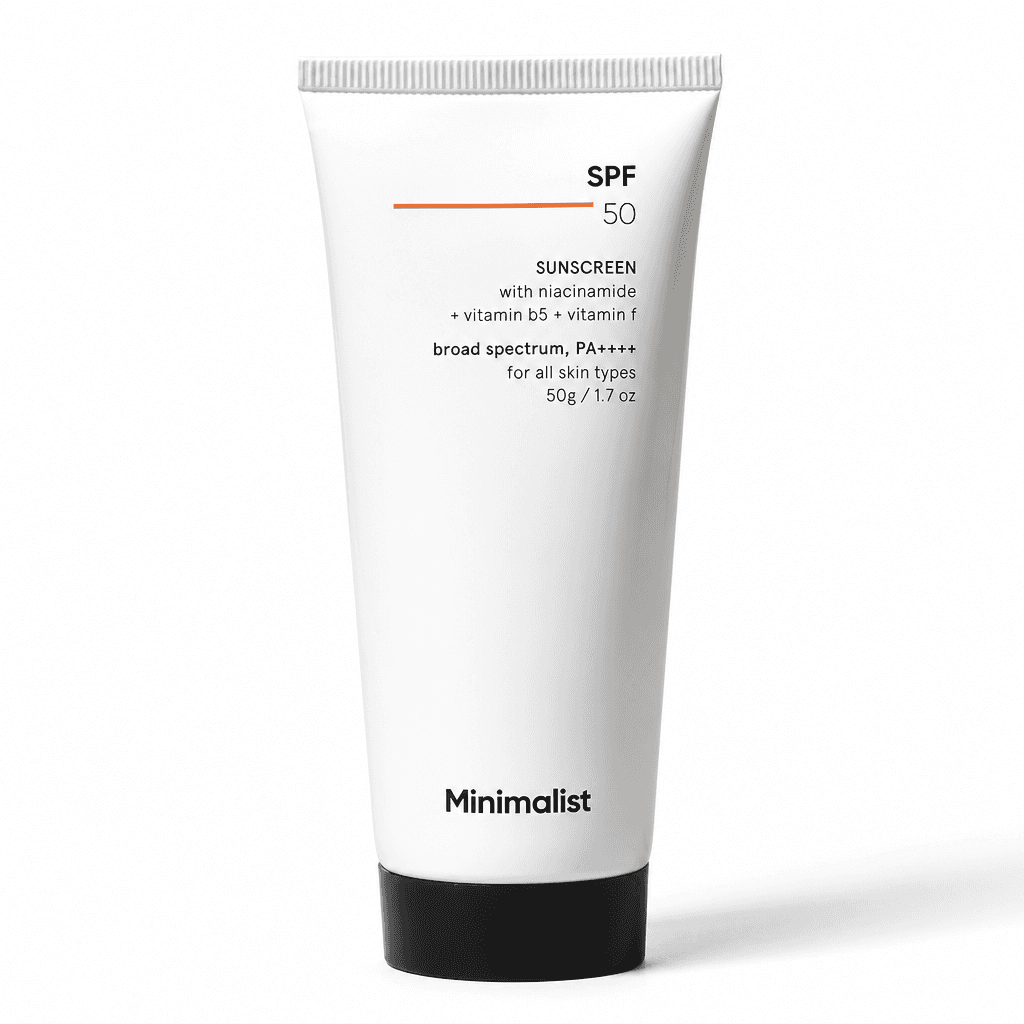
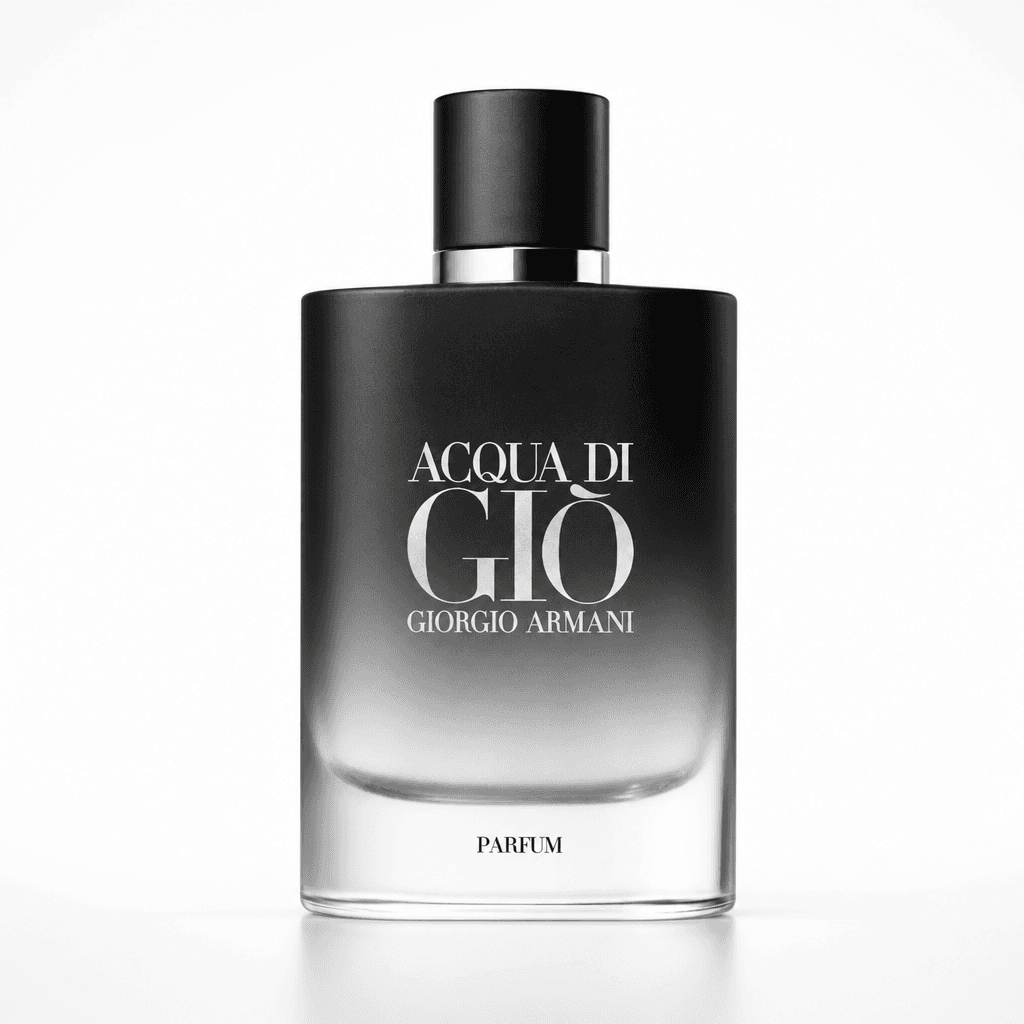
source · eau-de-parfum.png
006·Who it's for
Shopify, Amazon, Etsy. Replace expensive product shoots with on-brand creatives in minutes.
For Amazon sellersUpload a ring, a necklace or earrings and BrandShots detects it's jewelry, then switches on jewelry mode automatically. Clean white listing shots, close-up details and styled on-hand scenes from one photo.
See jewelry modeLaunch new SKUs faster, with the same visual direction across every channel and no creative team required.
Generate dozens of ad variants for testing. Iterate on hooks and offers without a designer in the loop.
Deliver more concepts per client at lower cost. Iterate on direction without booking a second shoot.
Look like a brand from day one without hiring a photographer, copywriter, or designer.
Weekly content calendars filled with on-brand posts in an afternoon. Multi-platform ready.
007·Pricing
Start free. Same monthly credits on annual, billed up front, save ~17%.
Try BrandShots with no card needed.
5 credits on signup
Sign up freeFor solo sellers shipping their first creatives.
100 credits / month, refilled monthly
Pick StarterFor brands and creators publishing weekly.
500 credits / month, refilled monthly
Pick GrowthOne generation costs 1 credit on Standard (default), 2 credits on HD, or 4 credits on Ultra, at 1K size. 2K and 4K renders cost more. You choose per generation. Most creators stay on Standard and only opt up when a hero shot needs extra polish.
008·Guides
Step-by-step help for shooting, editing and listing your products.
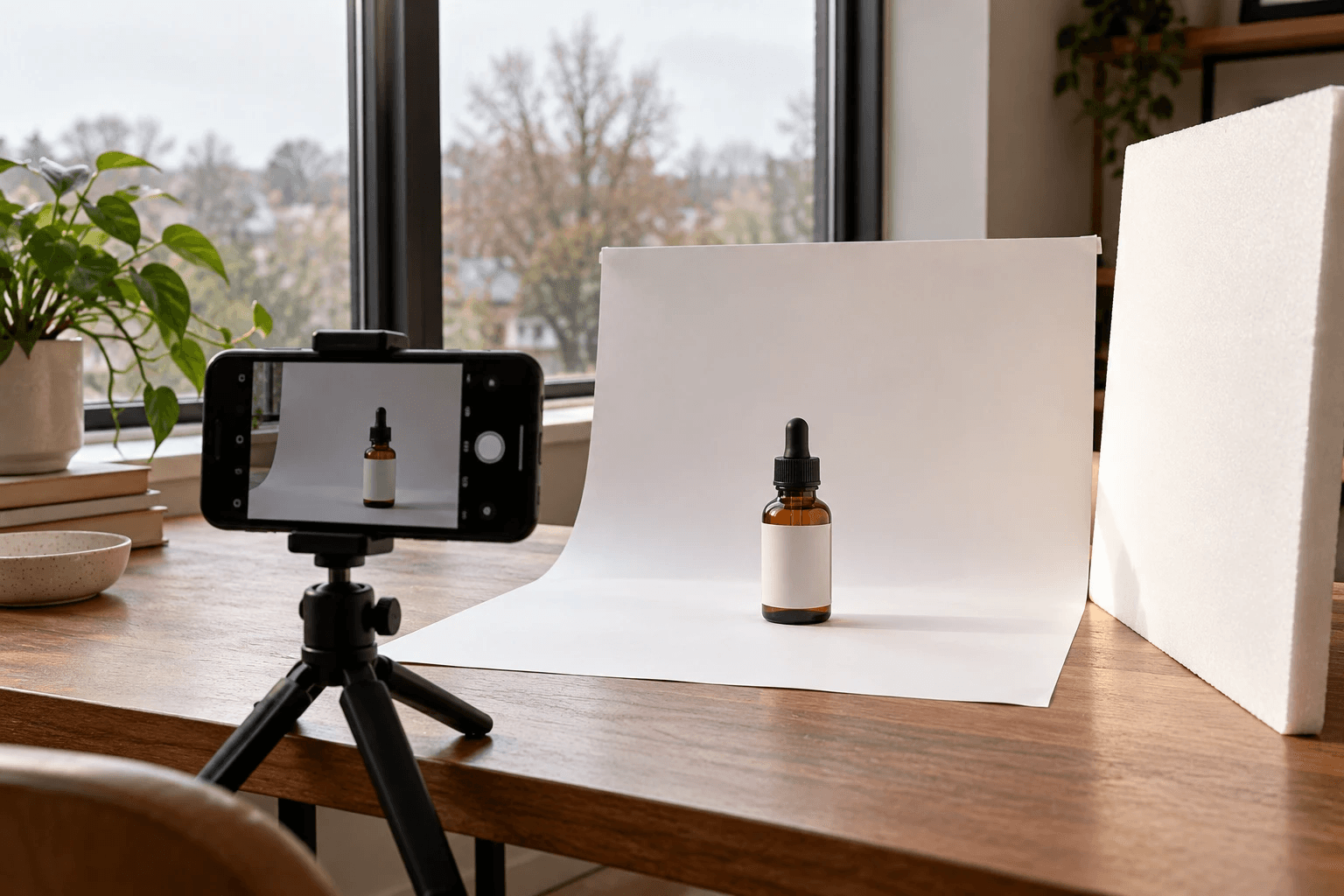
How to take product photos with your phone at home: window light, a white backdrop, the right iPhone and Android camera settings, and the angles buyers need.
Read the guide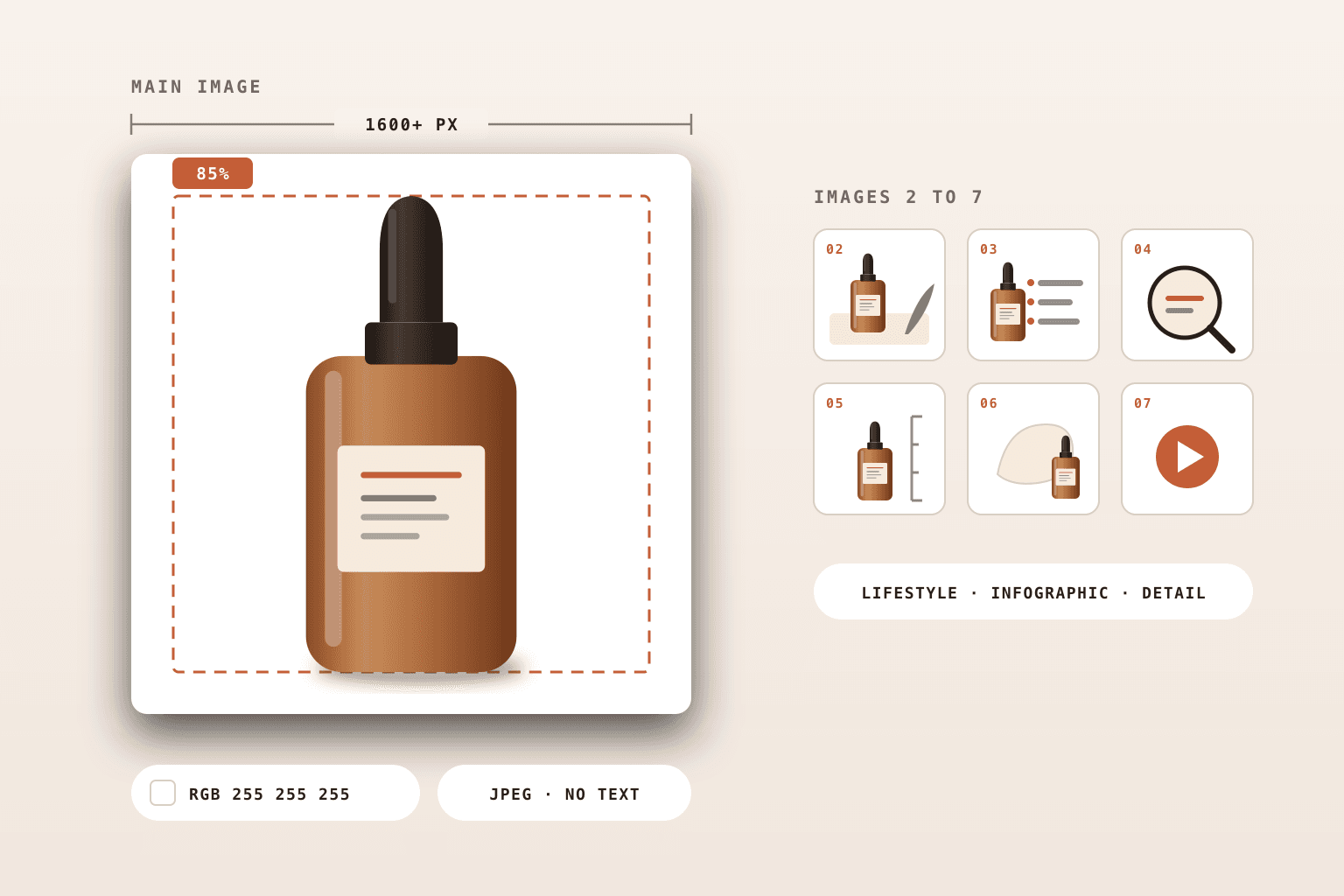
Amazon image size in pixels (1,000 minimum, 2,000 for zoom), the pure white main image rule, file formats and the mistakes that get listings suppressed.
Read the guide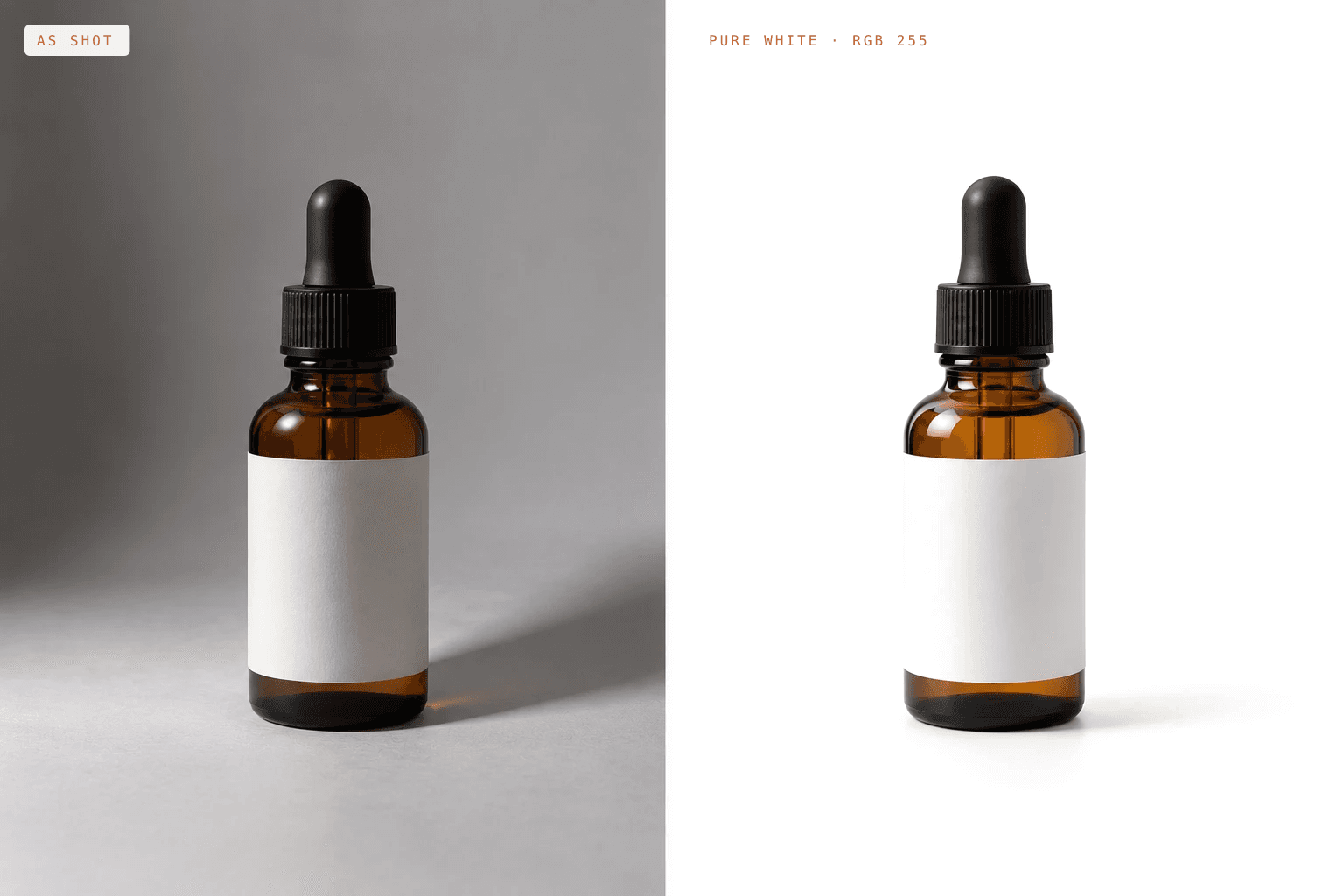
How to take product photos with a white background at home: the setup, lighting and phone settings for pure white, plus how to fix a grey background in editing.
Read the guide009·Frequently asked questions
Everything people ask before they create their first AI product photos.
Yes. All paid plans include full commercial use. Run them as ads, list them on Amazon and Shopify, post them on social. It's all covered. The only restriction is you can't resell the raw images themselves as stock photography.
Anything with a clear hero subject: skincare, jewelry, beverages, apparel, accessories, packaged goods, electronics, home goods. Products with complex transparent or reflective surfaces (e.g. glassware against busy backgrounds) sometimes need a couple of regenerations to nail. Food and lifestyle products work especially well.
Yes. When you upload a photo of a ring, a necklace, earrings or a bracelet, BrandShots detects that it's jewelry and switches on jewelry mode automatically. You can make clean white listing shots, close-up detail shots, and styled or on-hand scenes for social posts and ads. For fine detail, choose HD or Ultra quality at 2K or 4K. Very reflective metal and stones can take a regeneration or two.
No. You upload a product photo, pick a creative type (Product Shot / Social Post / Ad Creative), and choose from proven categories built for SMB sellers. Optional fields like audience, offer, and CTA fine-tune the output but aren't required.
Set up a brand kit once with your logo, color palette, and voice description (or paste your website URL and we'll auto-import). Every generation after that pulls from the kit automatically. Your logo only appears in the creative when you ask for it; the colors and voice influence styling and copy regardless.
Each variant takes about 15–30 seconds. A typical 3-variant brief finishes in under a minute. Variants run in parallel server-side, so the wall-clock time is whichever variant takes longest, not the sum of all three.
1 credit = 1 generated variant at Standard quality, 1K size. HD (sharper composition) costs 2 credits per variant, Ultra (deepest reasoning) costs 4. 2K and 4K renders stack a size multiplier on top, so a 4K Ultra variant costs 16 credits. Most users stay on Standard 1K for everyday work and bump quality only for hero campaign assets.
Two safety nets. First, every brief generates 1–3 variants in parallel (your choice), so you usually pick from a few options. Second, any variant has a one-click "Refine": type what to change ("warmer lighting", "remove the second product", etc.) and we regenerate with your tweak. Failed variants are auto-refunded; you only pay for what landed.
Plan credits roll over for one billing cycle, so a slow month doesn't burn what you paid for. After two cycles unused, they expire. That keeps the account economy honest. The 5 free signup credits don't expire as long as your account stays active.
Yes. No annual lock-in, no cancellation fees. Cancel from your settings page and you keep access through the end of your billing period, including any credits already in your balance.
Yes. BrandShots is on the App Store for iPhone and on Google Play for Android. Sign in with the same Google or Apple account you use on the web, and your products, brand kits and generated images are there too.
Every new account starts with 5 free credits, no card required. Enough for a 3-variant Standard brief plus a refine: kick the tires before you commit to a paid plan.
Other questions? Email us and we'll get back within a day.
Start with 5 free credits. No card required. Generate your first product shot, social post, or ad creative in under a minute.
Cancel anytime · No setup fee · 5 free credits, no card
Also on iPhone and Android