BrandShots

001·For Amazon sellers

Listing images that meet Amazon's bar, from one phone snap.

Pure white hero. Lifestyle. Infographic. A+ Content. BrandShots takes your product photo and returns a full Amazon-ready stack: at the spec, at the size, with your brand voice already baked in.

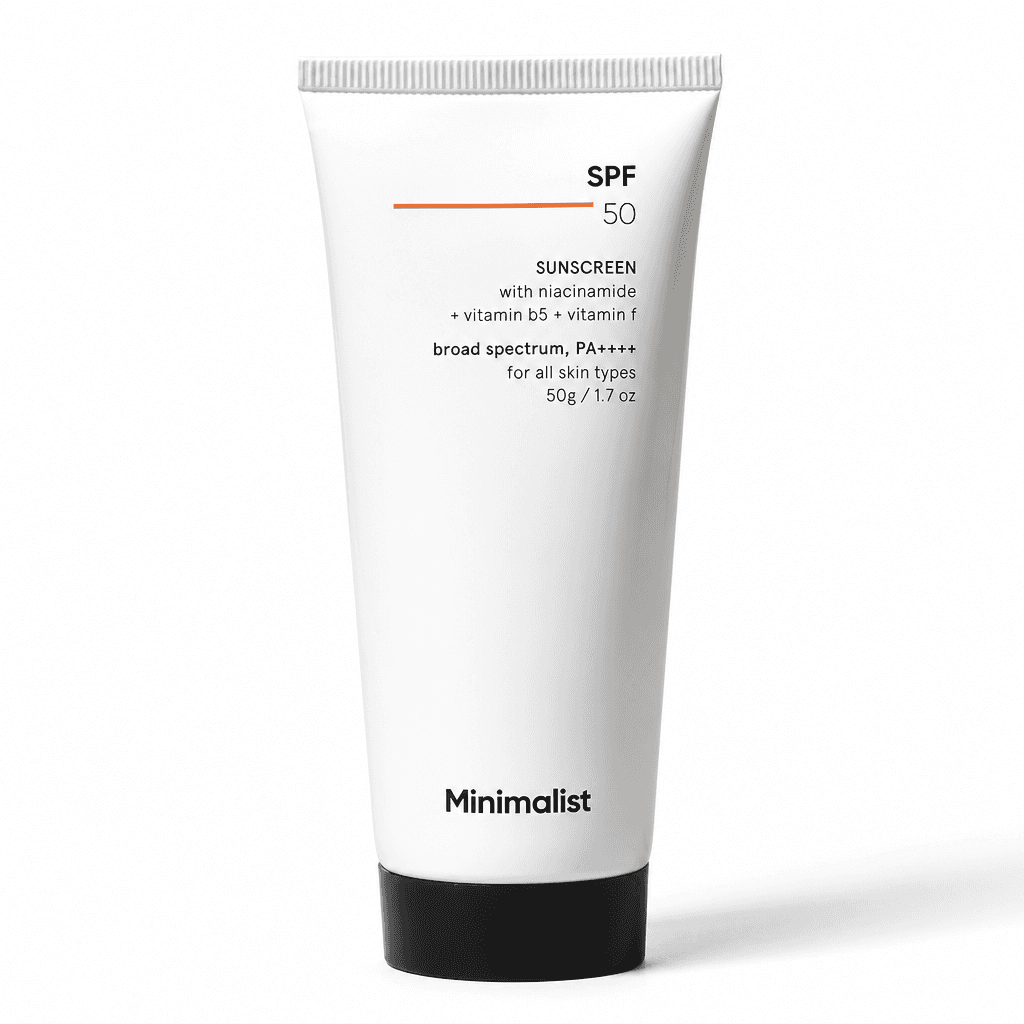
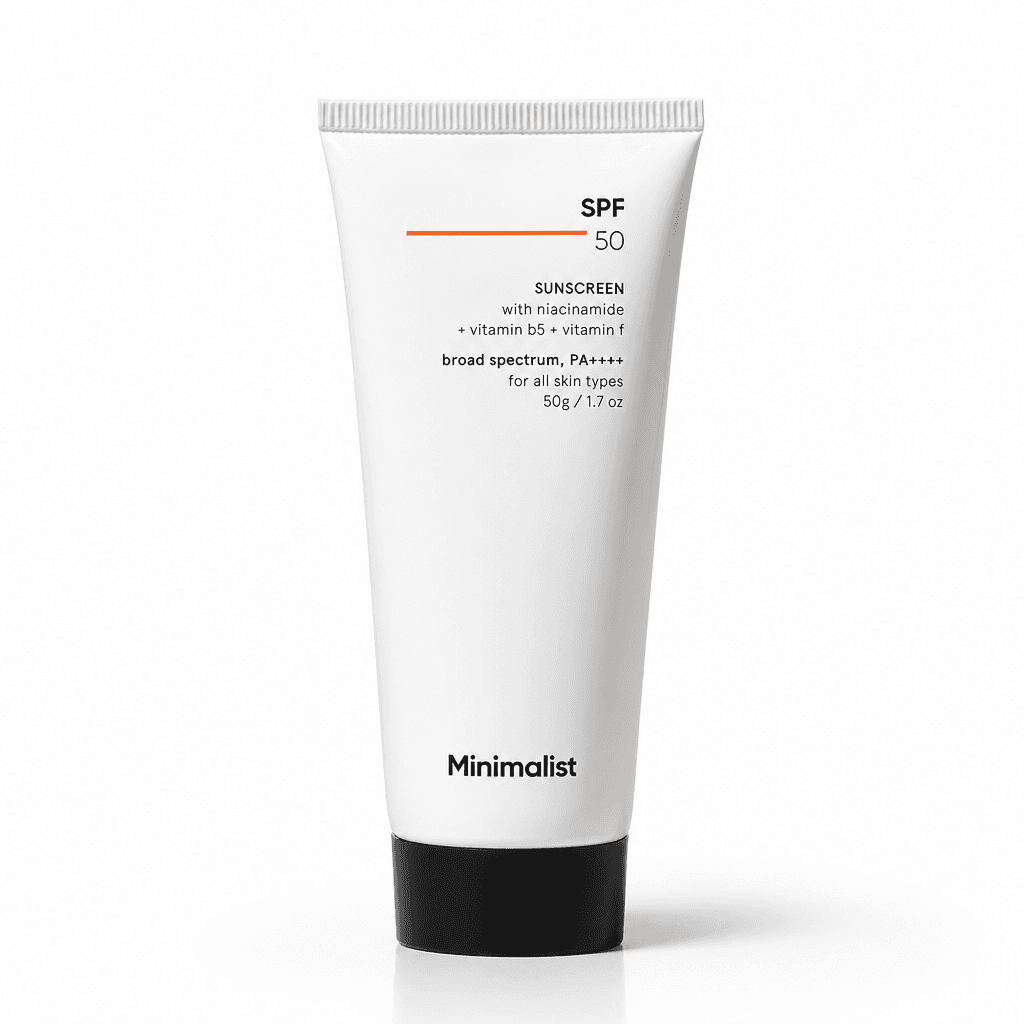
Sunscreen SPF 50, Amazon main image on pure white background, generated by BrandShots
Amazon main imageSunscreen SPF 50 · Beauty

002·The Amazon image bar

The gap between a phone snap and what Amazon actually accepts.

Amazon's main-image rules are strict for a reason. The hero image is what shoppers see in search results, before they read your title or your bullets. Most clicks are decided there.

Most sellers can't easily produce that without a studio. Phone snaps don't come on pure white. The lighting is uneven. The framing is wrong. The resolution is rarely sharp enough for hover-zoom on desktop.

Hiring a product photographer runs $500–$2,000 per SKU for a full 7-image stack. Most sellers run dozens of SKUs and ship new ones every quarter. The math doesn't work.

The rules, unforgiving

  • 01 / 05

    Pure white background

    RGB 255, 255, 255. Anything off-white risks listing suppression.

  • 02 / 05

    Product fills 85%

    Of the frame, on the longest side. Smaller subjects don't pass.

  • 03 / 05

    Nothing extraneous

    No text, logos, watermarks, props, or accessories not part of the sale.

  • 04 / 05

    Resolution thresholds

    Minimum 1000px on the longest side. 1600+ enables hover-zoom. Category leaders ship 2000+.

  • 05 / 05

    Real photography

    Hand-drawn illustrations and pure mockups don't pass the main slot.

003·What BrandShots produces

Every slot in your listing, ready to upload.

Three asset types in BrandShots map directly to the seven image positions Amazon allows. One workflow, one brand kit, one stack.

Position 01

Main hero

Your product photo, cleaned to pure white at RGB 255, 255, 255. Properly lit, properly framed at the 85% rule, generated at 2000+ pixels so hover-zoom works on desktop. The product in the output is your product, not a fabrication. (More on that in the next section.)
Positions 02–04

Detail and feature shots

Different angles, in-context details, scale references. Same product, multiple compositions. Use Product Shoot for the studio-style shots; use Social Post when you want a held-in-hand or close-detail framing.

Positions 05–07

Lifestyle and infographic

Your product placed in a real-feeling scene: countertop, hand, gym bag, kitchen. Infographic overlays for dimensions, included items, key benefits. These run on Social Post and Ads Creative, with copy generation that matches your brand voice.

Every output uses your brand kit's palette and voice. Logos appear when you ask for them. Copy generation includes headlines, bullet starters, and ad-ready captions tuned to your category.

004·Amazon's AI policy, plainly

What's allowed, what isn't, and where BrandShots fits.

Amazon updated its AI image guidance in 2026. The short version: AI-assisted images are explicitly allowed in product listings, as long as the final image accurately represents the product the buyer will actually receive.

Allowed

  • AI-cleaned backgrounds (your real photo, rendered on pure white)
  • AI-generated lifestyle scenes featuring your real product
  • AI-generated infographics, scale references, feature callouts
  • Lighting correction, color correction, upscaling
  • Background swaps for seasonal or category variants

Not allowed

  • Fabricated main images that misrepresent product color, size, or materials
  • Showing accessories or contents that aren't actually included
  • Hand-drawn illustrations or pure mockups in the main slot
  • AI imagery that hides label damage, defects, or variant differences

BrandShots sits in the first column by design. The model uses your real product photo as the source of truth: your label, your color, your geometry are preserved. We clean, light, and stage. We don't fabricate. (For a deeper read on what Amazon's 2026 AI policy actually allows, see the policy explainer on the blog.)

If you only have a concept and no physical product, BrandShots is the wrong tool. We need something real to start from.

005·The workflow

Phone snap to Seller Central, in three steps.

  1. 01

    Upload your product

    Front photo, plus side / back / detail if you have them. Phone quality is fine. HEIC works. The model uses every angle to render accurately, so multiple photos give the model more truth to anchor on.

  2. 02

    Pick the slot

    Product Shoot for the main hero and detail slots. Social Post for lifestyle and infographic compositions. Ads Creative for Sponsored Products and Sponsored Brand creatives. Each has Amazon-tuned presets baked in.

  3. 03

    Download and upload

    Three variants per generation, in parallel. Download as PNG at 2K or 4K. Both clear Amazon's hover-zoom threshold.

006·Examples

Two products. Two phone snaps. Amazon-ready output.

Both started as raw photos shot on a phone. BrandShots returned the polished frames in under a minute, at spec and at size, ready for slot 1. See more examples on the homepage.

01 / 04·Beauty

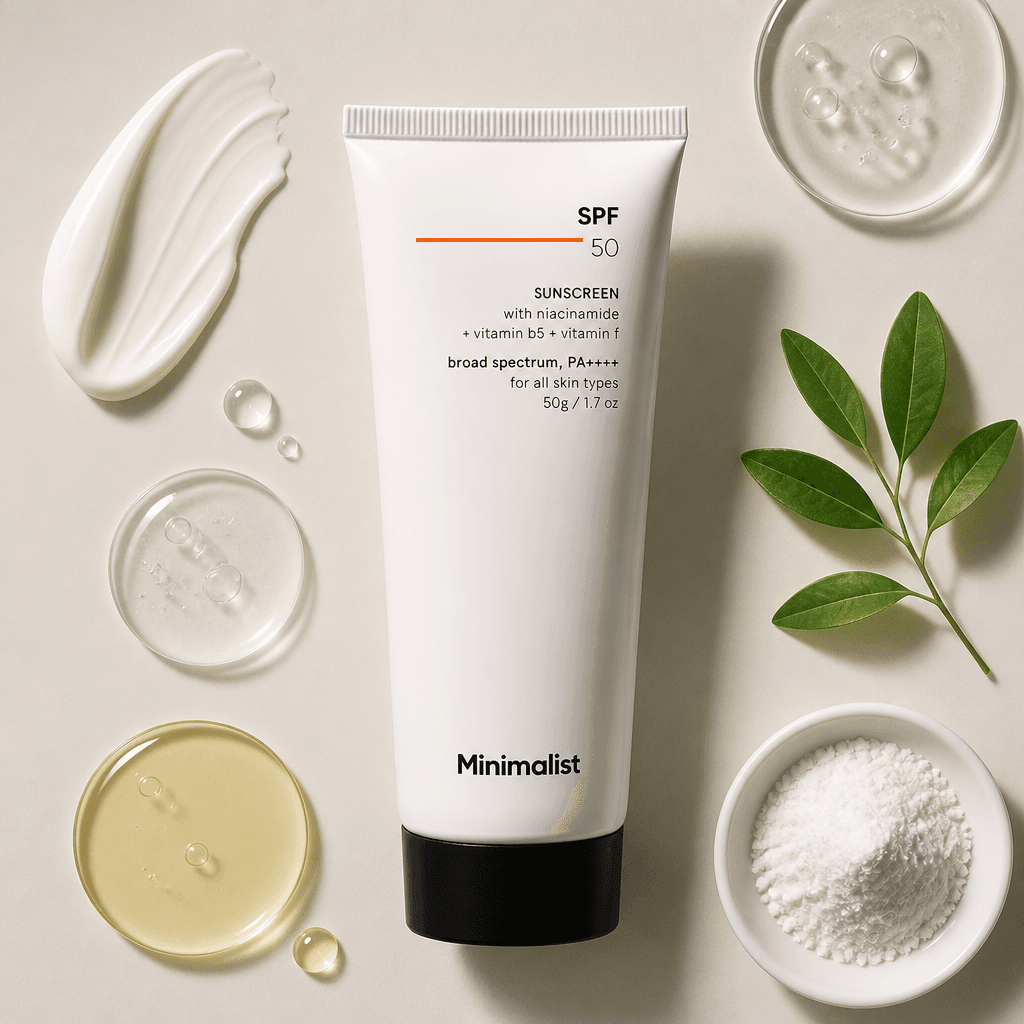
Sunscreen SPF 50beauty editorial

Soft warm-grey paper backdrop, a hand-painted cream swatch at top-left, a water-drop petri dish, a pour of botanical oil in amber, a porcelain dish of mineral powder, and a fresh sage sprig. Each prop is a visual cue to a formulation note. Shadowless overhead softbox. The kind of flat-lay a clean-skincare brand publishes the day a launch goes live.

SourceBeauty Editorial
Sunscreen SPF 50, Beauty Editorial
Sunscreen SPF 50, phone snap

02 / 04·Footwear

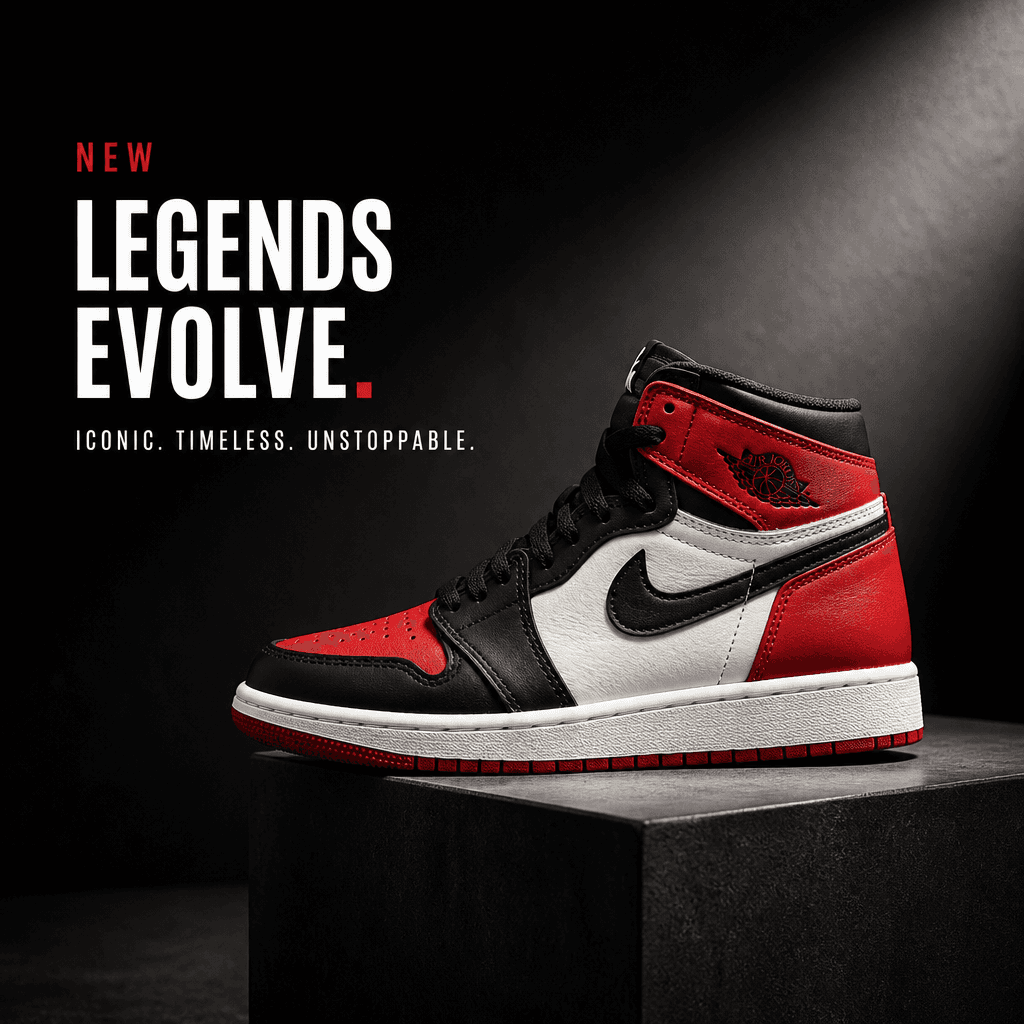
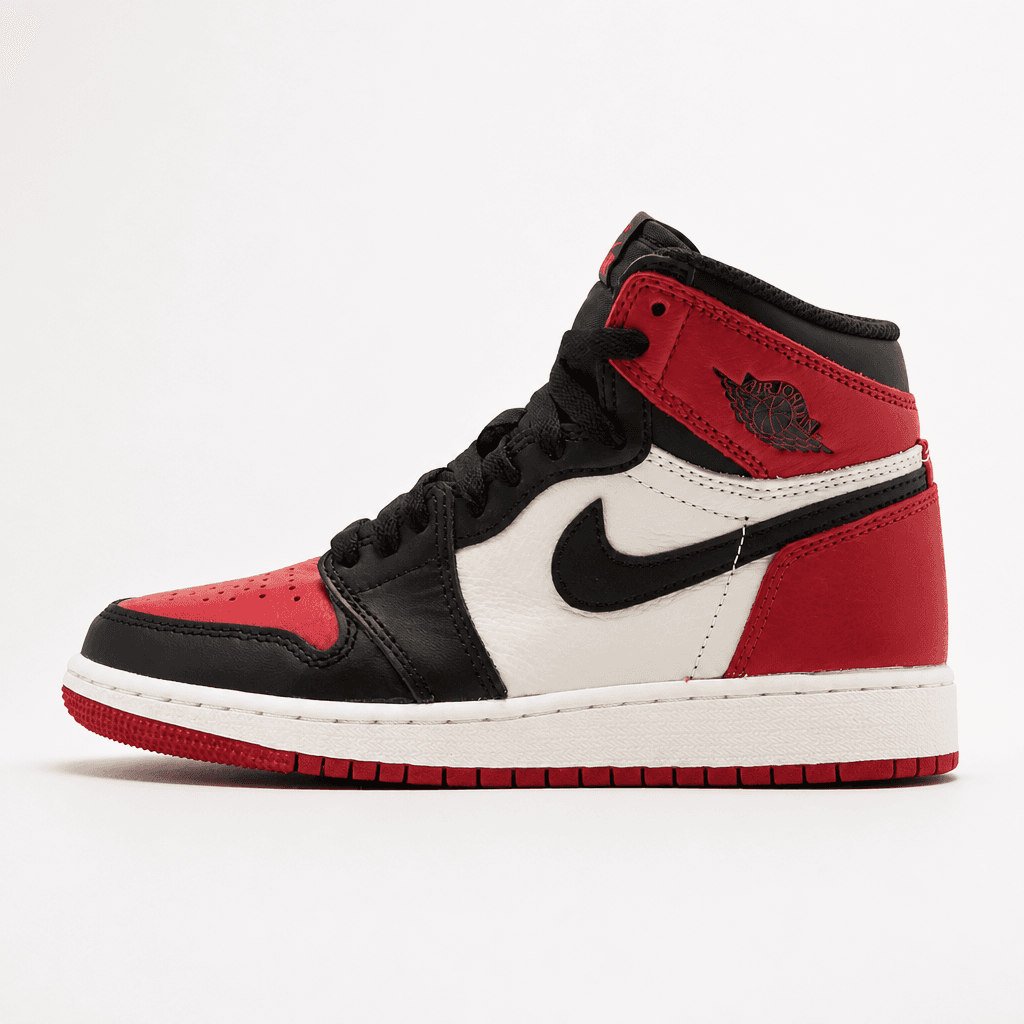
High-Top Sneakerad creative

Charcoal seamless backdrop, key light raked from camera-right with deep falloff, sneaker propped on a low concrete pedestal for elevation. Display-bold headline "Legends Evolve." stacked top-left, mono-uppercase kicker beneath. Built to stop the scroll on a launch-day feed ad.

SourceAd Creative
High-Top Sneaker, Ad Creative
High-Top Sneaker, phone snap

Example imagery may include third-party products shown for illustrative purposes only. All trademarks and trade dress are the property of their respective owners. No affiliation, sponsorship, or endorsement is implied. See our Terms for the full notice.

007·Pricing

Built to scale across SKUs.

A full 7-image Amazon stack on Standard quality runs 7 credits per product. The Growth plan covers ~70 product launches per month. Starter covers ~14. Most sellers stay on Standard for the bulk of secondary slots and bump to HD or Ultra only for hero images on flagship SKUs.

Simple, credit-based pricing

Start free. Same monthly credits on annual, billed up front, save ~17%.

Free

Try BrandShots with no card needed.

$0

5 credits on signup

Sign up free

Starter

For solo sellers shipping their first creatives.

$119/yr

100 credits / month, refilled monthly

Pick Starter
Most popular

Growth

For brands and creators publishing weekly.

$499/yr

500 credits / month, refilled monthly

Pick Growth
  • All creative types
  • Commercial use
  • High resolution downloads
  • Ad copy included
  • Cancel anytime

One generation costs 1 credit on Standard (default), 2 credits on HD, or 4 credits on Ultra. You choose per generation. Most creators stay on Standard and only opt up when a hero shot needs extra polish.

008·For Amazon sellers, specifically

The questions that come up before sellers commit.

  • Yes, when used the way the tool is designed. BrandShots uses your real product photo as the source of truth: we clean the background, correct the lighting, and stage the shot. The product in the output is your product, which is exactly the kind of AI-assisted image Amazon's 2026 policy explicitly allows. The compliance line you can't cross is fabricating a product that doesn't exist or misrepresenting color, size, or contents, and that's not how the tool works.

  • Yes, as long as your input was a real photo of the actual product. The hero rendering is on pure white at RGB 255, 255, 255, with the product filling the frame to Amazon's 85% rule. We render at 2000+ pixels by default so hover-zoom works on desktop. Apparel and shoes have category-specific main-image rules (flat-lay or ghost mannequin for apparel, single shoe at 45° for footwear). We cover those with category-tuned presets, but always double-check against your category's style guide before going live.

  • Both are well within scope. A+ Content modules accept lifestyle photography, infographics, and comparison charts: all three asset types BrandShots produces. Generate the modules at the size A+ Content expects (typically 970×600 for full-width banners, 300×300 for tile blocks) using the size picker.

  • Amazon's 2026 policy update introduced disclosure language for content that is "substantially modified" by generative AI. The line between AI-assisted editing (background removal, lighting correction) and substantial generation isn't fully spelled out, and guidance is still evolving. The safe approach: keep records of which images used AI, be honest if Amazon asks, and avoid using AI in ways that would mislead a buyer about the product. We're not lawyers, so when in doubt, check Amazon's current Seller Central documentation.

  • 2K (2048×2048) is the right default for most listings: it clears the 2000-pixel mark Amazon recommends for hover-zoom and keeps file sizes reasonable. Use 4K only for hero images on flagship SKUs where the extra detail matters. Anything below 1000 pixels on the longest side will be rejected by Amazon outright.

  • Yes. Commercial use is included on all paid plans, and Amazon Ads has its own creative guidelines that BrandShots's Ads Creative presets are tuned for. Sponsored Brand video and Sponsored Display creatives both work from the same output stack.

  • Suppression risk comes from violating Amazon's image rules (wrong background color, missing product, props that aren't included, fabricated content), not from the use of AI per se. BrandShots is built around the rules: pure white when you ask for it, accurate product representation always, no fabricated accessories. Sellers who follow the standard image specs don't get suppressed. The tool doesn't change that math.

  • Every brief generates 1–3 variants in parallel, so you usually pick from a few options. Any variant has a one-click Refine: type what to change ("tighter framing", "warmer light on the label", "remove the second product") and we regenerate with the tweak. Failed variants are auto-refunded; you only pay for what lands.

More general questions about how BrandShots works are answered in the main FAQ.

See more examples across other product categories on the homepage.

Ready to ship your next Amazon listing?

Start with 5 free credits. No card required. Generate your hero image, your lifestyle gallery, and your infographic stack in under a minute.

Cancel anytime · No setup fee · 5 free credits, no card