
Free
Try BrandShots with no card needed.
$0
5 credits on signup
Sign up free001·For jewelry sellers
Upload one clean photo of a ring, a necklace, earrings or a bracelet. BrandShots recognizes jewelry on upload and switches on jewelry mode by itself, then builds the white listing shots, close-up details and styled scenes a jewelry listing needs. The piece in the photo stays the piece that ships.
5 free credits · No card required
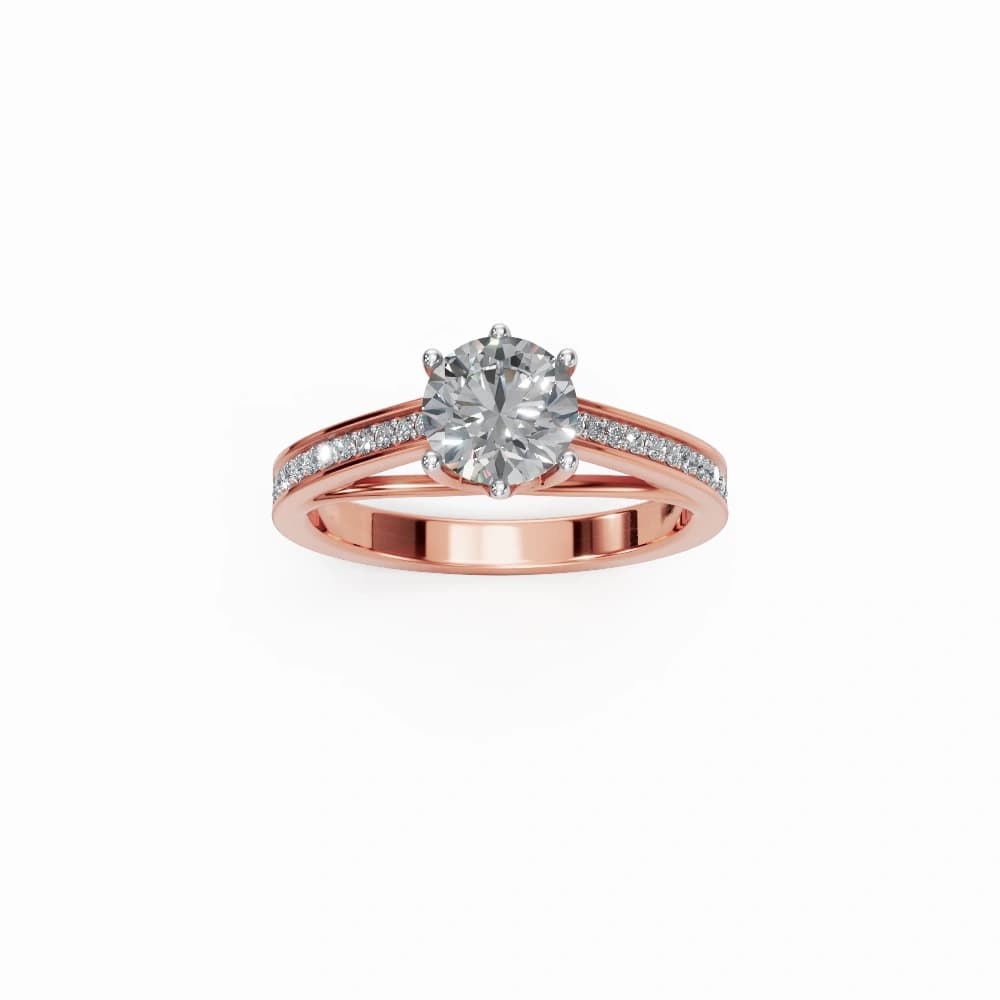 Your photo
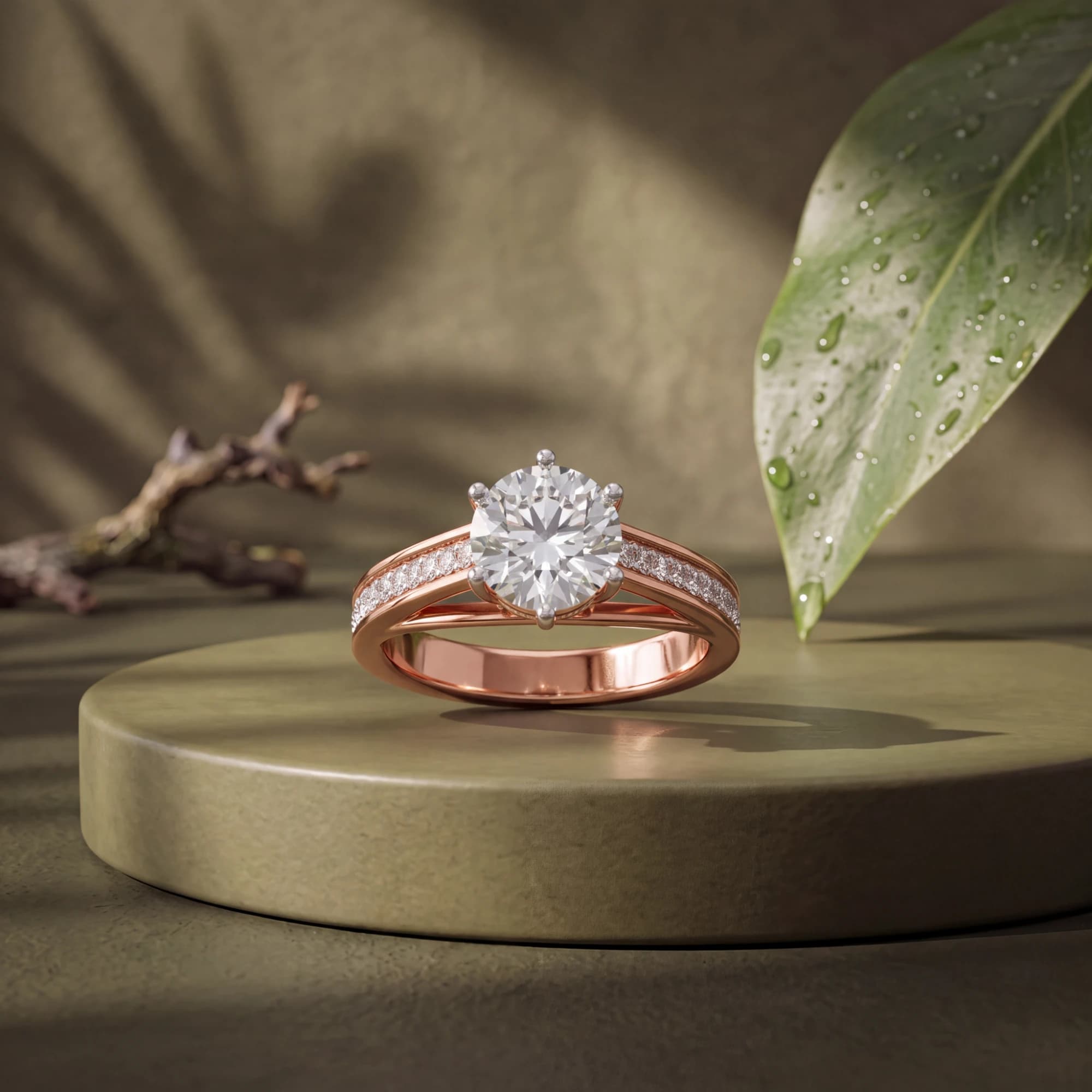 Jewelry mode
002·Why jewelry is different
Jewelry is the category where generic product photography advice stops working. These are the reasons.
A band reflects your hands, your phone and the window behind you. Even light from several directions is the fix, which is why a tent or a white curve beats a single lamp.
A ring is a couple of centimetres wide, and marketplaces crop hard. Framing that looks generous on your screen is what keeps the band whole in a search result.
Up close, almost nothing stays sharp front to back. Prongs, pavé and hallmarks are exactly the details a buyer zooms into, so sharpness has to land where it matters.
Rose gold that photographs yellow, or silver that lands grey, comes back as a return and a bad review. The metal in the photo has to match the metal in the box.
003·The jewelry listing stack
A jewelry listing has to answer more questions than a candle or a bottle: how it catches light, how it sits on a hand, and what arrives in the box.
Clean background, the piece centered with margin for marketplace thumbnail crops. This is the frame Etsy, Amazon and TikTok all have rules about.
Prongs, pavé, the clasp, the hallmark. The frames a buyer zooms into before deciding, which is where HD or Ultra at 2K or 4K earns its credits.
Stone, linen or wood under soft light, for the feed, the shop banner and the ads. Warm surfaces flatter metal in a way pure white never will.
On a hand, a wrist or a neck. It answers the question buyers ask most, and it is the one frame worth photographing yourself with the real piece.
Silver, yellow gold, rose gold, each as its own upload. A buyer who selects rose gold should see rose gold, not a recolored silver photo.
The box, the pouch, the card. Gift buyers look for it, and it is a one-off shot you can reuse across the whole catalog.
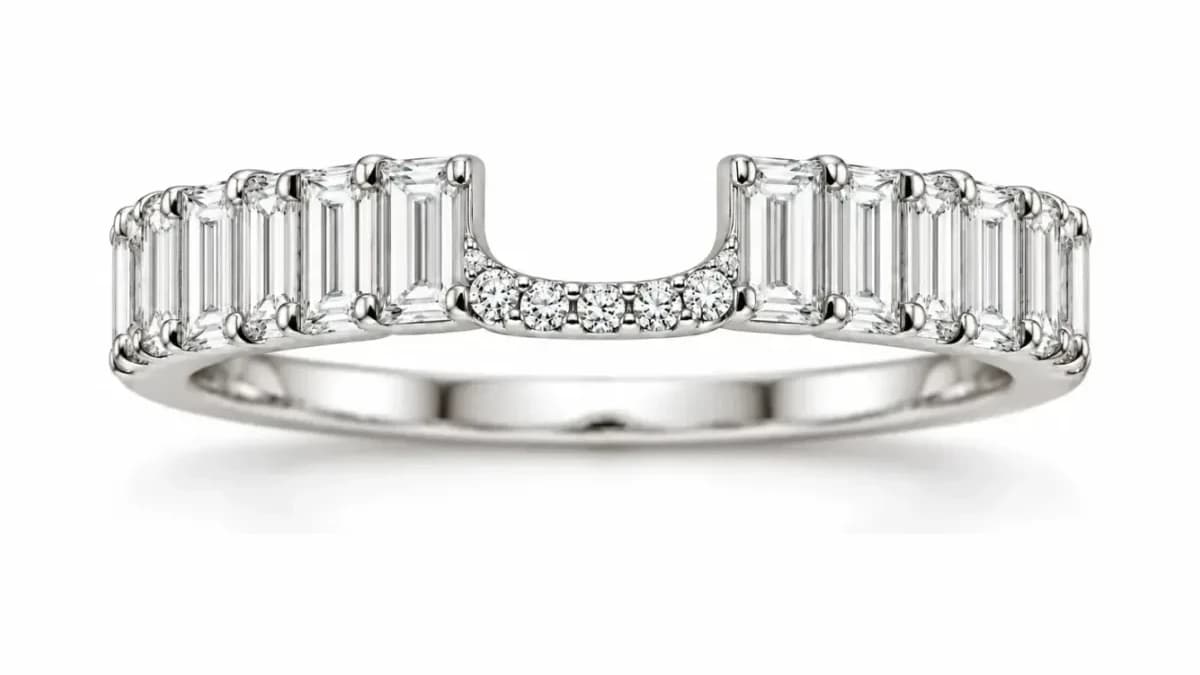 Ring detail
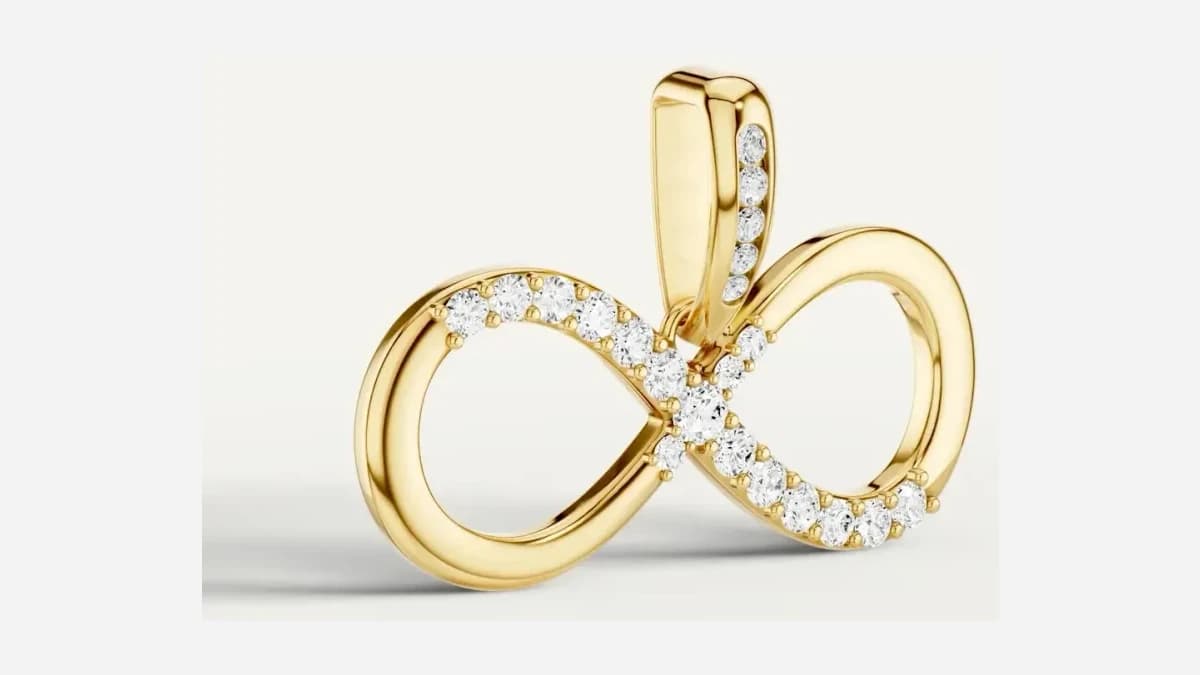 Pendant detail
004·Poses that answer scale
A clean listing shot proves what a piece looks like. It says nothing about how big it is. These are the two frames that do, and what each one owes the buyer.
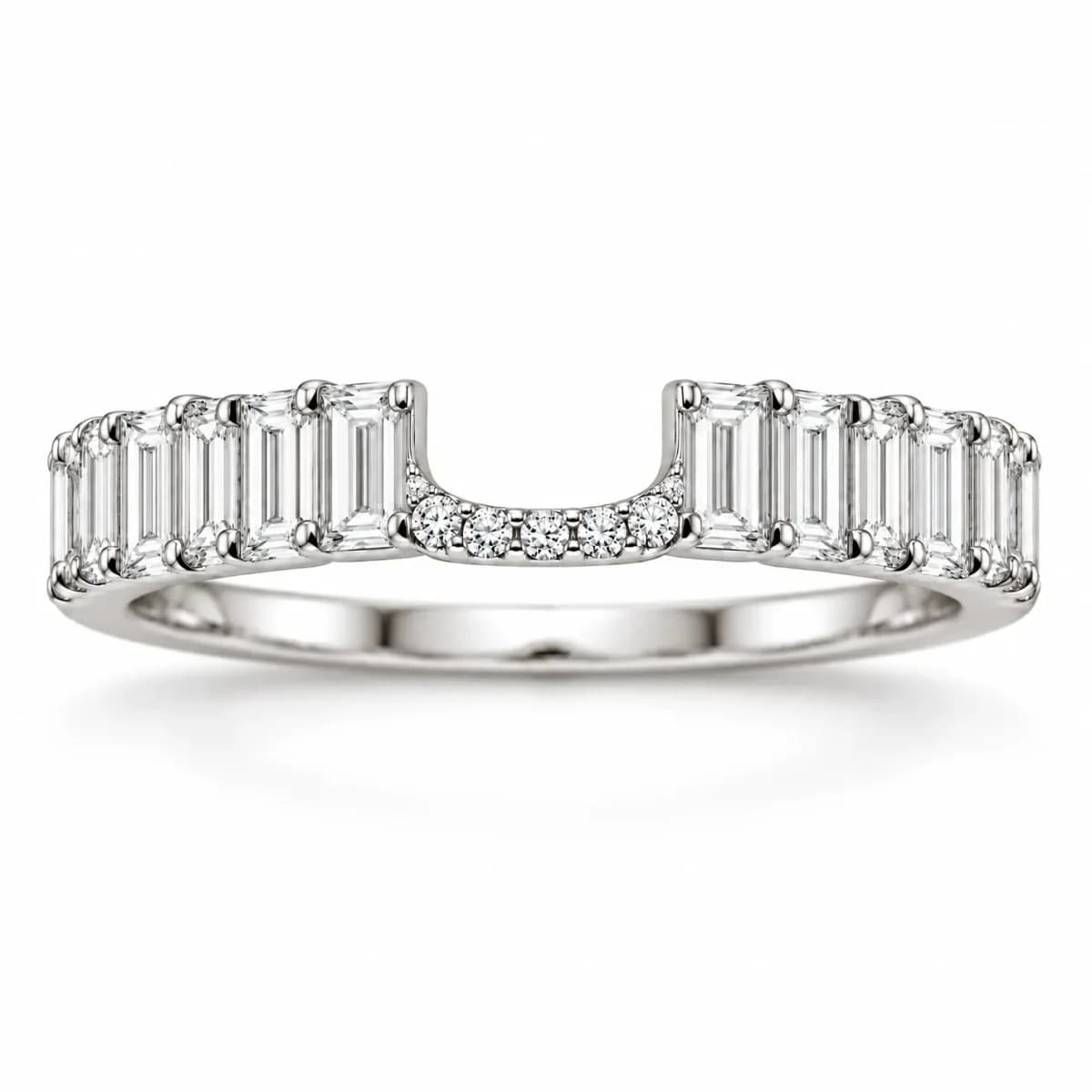 Listing
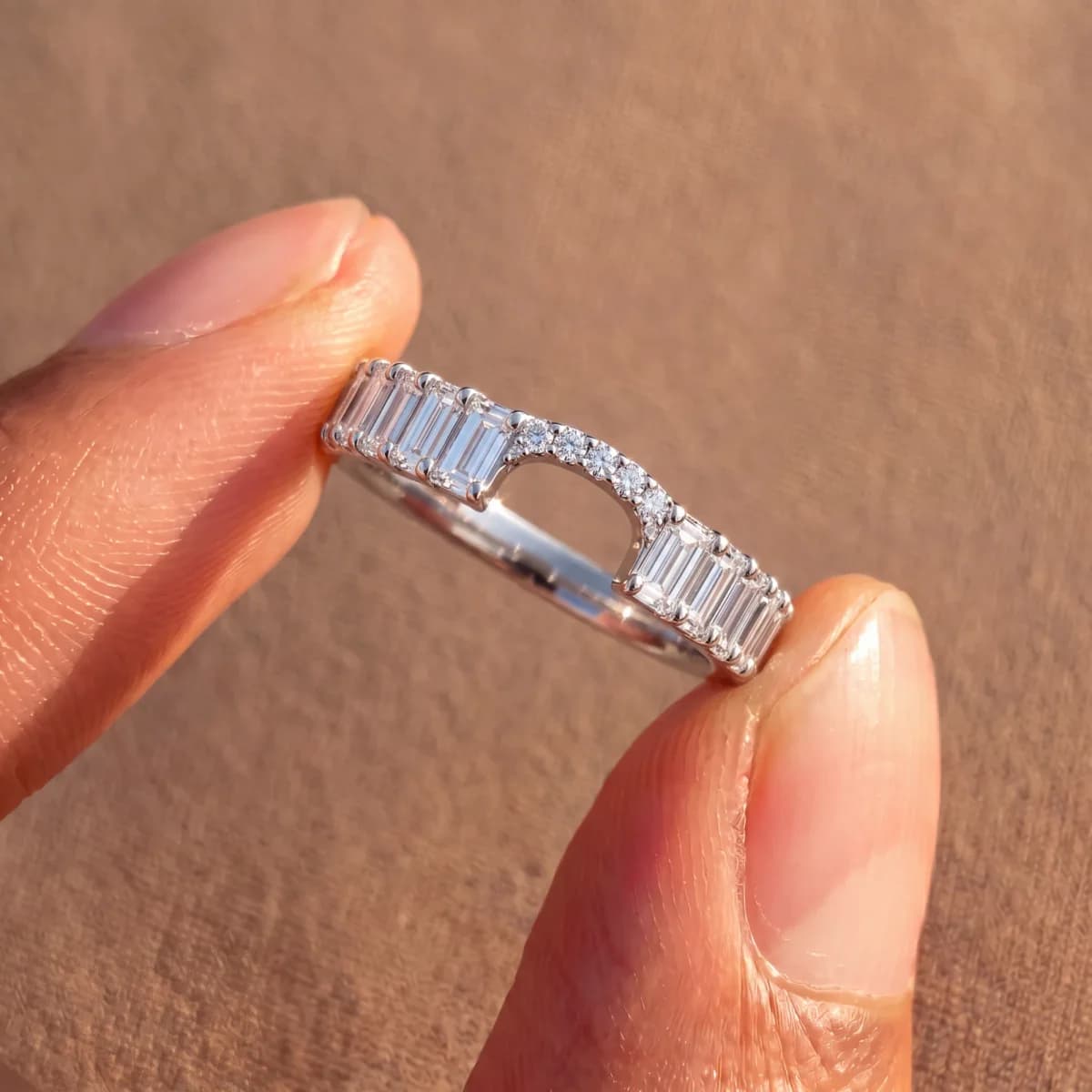 Held
HeldAnswers: How big is it
Pinched between two fingers, a band reads at its real size in a glance. The pose makes no claim about finger size, so it is the safe one to shoot for every ring in the catalog, with no measurement to get wrong.
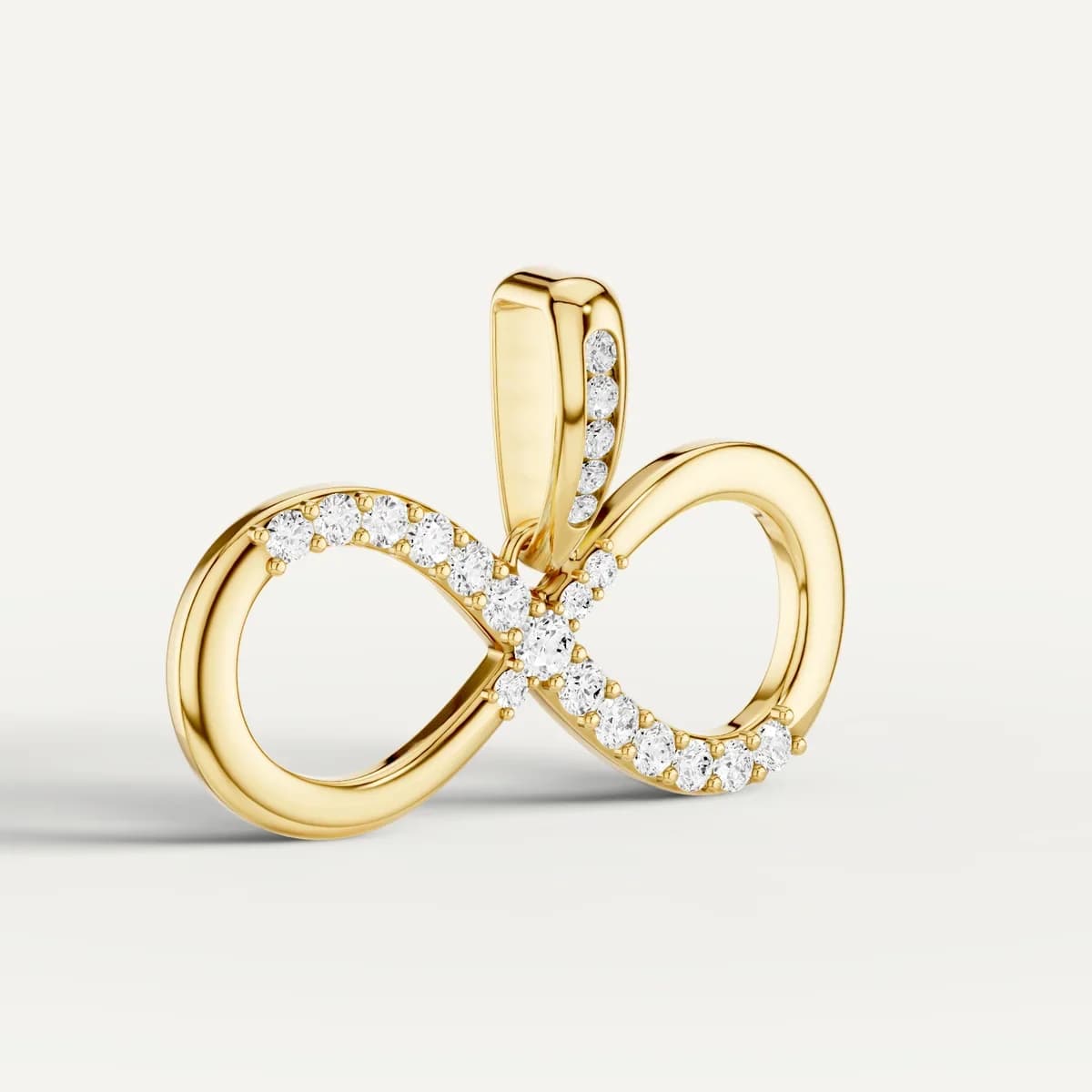 Listing
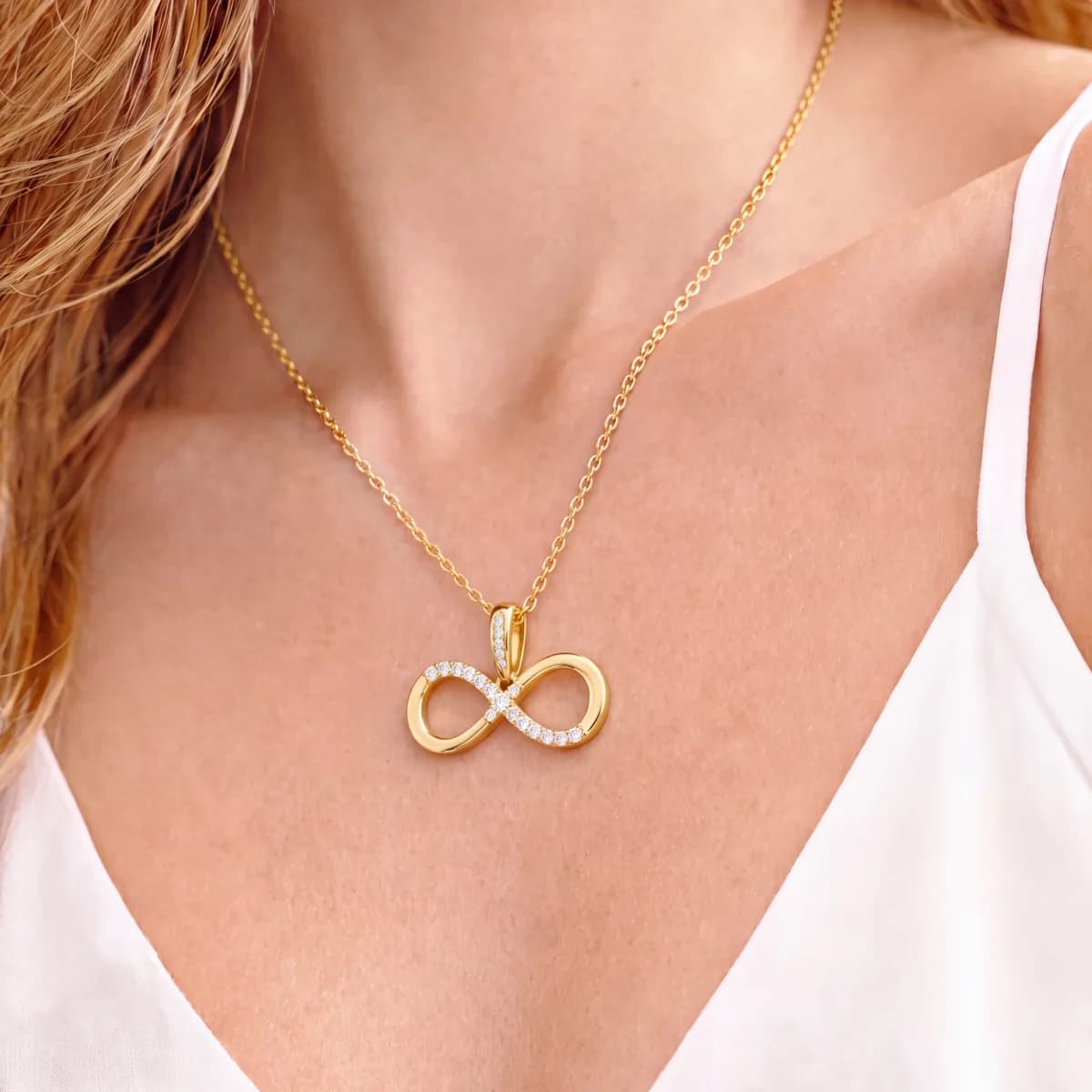 Worn
WornAnswers: How far down does it sit
Buyers search this one by the thousand, usually phrased as a chain length. Shoot it on the chain you actually ship and name the length in the listing, because a pendant photographed on a 16 inch chain and sold on an 18 comes back.
Both of these are photographs of the real piece, the frames the listing stack marks as yours to shoot. Worn frames are where the marketplace rules bite: TikTok's September policy bans composition or reference objects that make a product look larger or smaller than it is, and the same gap between photo and parcel is what drives returns everywhere else. Shoot the real piece at its real size and the pose does its job.
005·Where jewelry sells
Jewelry sells in more places than most categories, and each one wants different pixels. Export what each needs from the same generation.
Crops thumbnails three ways, so small pieces need margin.
Full Etsy guideThe strictest main image of the four, and the one that gets listings suppressed.
Full Amazon guideNo approval queue, so consistency is yours to enforce.
Full Shopify guideBans overlays everywhere, not only on the main image.
Full TikTok Shop guideShooting the first photo yourself? Our guides cover photographing jewelry at home and framing jewelry for Etsy.
006·Pricing
Start free. Same monthly credits on annual, billed up front, save ~17%.
Try BrandShots with no card needed.
5 credits on signup
Sign up freeFor solo sellers shipping their first creatives.
100 credits / month, refilled monthly
Pick StarterFor brands and creators publishing weekly.
500 credits / month, refilled monthly
Pick GrowthOne generation costs 1 credit on Standard (default), 2 credits on HD, or 4 credits on Ultra, at 1K size. 2K and 4K renders cost more. You choose per generation. Most creators stay on Standard and only opt up when a hero shot needs extra polish.
007·For jewelry sellers, specifically
That is the point of working from your photo rather than a description. Rose gold stays rose gold, yellow gold stays yellow, and silver does not drift grey, because your file is the source of color. Check the result against the piece in daylight before you publish, the same way you would check a photographer's proofs, and reject anything that looks off.
Polished metal mirrors whatever is around it, so a clean source photo matters more here than in any other category. Shoot inside a light tent or a white curve so the reflections are even, and BrandShots keeps those reflections while it changes the background and the scene. Very mirrored pieces sometimes need a second attempt, so generate a few and pick.
Fine detail is where quality settings earn their cost. Standard is fine for social, but choose HD or Ultra at 2K or 4K for listing images where a buyer will zoom into prongs, pavé, hallmarks or engraving. The higher settings cost more credits per image, which is the trade you make for detail that holds up at full size.
Upload each finish as its own product and generate from it. A buyer choosing rose gold should see rose gold, and marketplaces expect the variation image to match the variation. Generating three finishes from a single silver photo would be inventing two products you did not photograph, which is exactly what we do not do.
Yes, and the requirements differ. Etsy wants at least 2000 pixels and files under 1 MB with a landscape or square first photo. Amazon wants a pure white main image at RGB 255, 255, 255 with the product filling 85% of the frame. Shopify wants one consistent ratio across your collection grid. You can export the sizes each one needs from the same generation.
One clean photo of the piece, taken on a phone in even light, with the metal wiped and the stone dust-free. Jewelry is detected on upload and jewelry mode switches on by itself, so there is no setting to find and no prompt to write. New accounts get 5 free credits, which is enough to run a piece through and judge the quality on your own stock.
More general questions about how BrandShots works are answered in the main FAQ.
Start with 5 free credits. No card required. Upload a piece, let jewelry mode do its thing, and download the listing set in under a minute.
Cancel anytime · No setup fee · 5 free credits, no card
Also on iPhone and Android