October 13, 2026 · 5 min read
Shopify product image size and requirements
Shopify accepts almost anything you throw at it, which is the problem: mismatched photos make a collection grid look broken. The sizes Shopify recommends, the limits it enforces, and the one habit that keeps a storefront tidy.
By Smit Golakiya · Founder, BrandShots
Short answer: upload square images at 2048 x 2048 pixels, which is the size Shopify says displays best. Anything up to 5000 x 5000 pixels, or 25 megapixels, is accepted, and every file has to come in under 20 MB. PNG is Shopify's first choice for product images and JPEG its second. The habit that matters more than any number: give every main product image the same aspect ratio, or your collection pages come out uneven.
Shopify is not a marketplace, so there is no approval queue and no suppression email. Nothing stops you uploading a 900 pixel photo of one product and a 4000 pixel photo of the next. The cost shows up later, in a collection grid where every tile is a different height and nothing lines up.
The numbers Shopify publishes
- Recommended: 2048 x 2048 pixels for square product images, which Shopify says usually displays best.
- Maximum: 5000 x 5000 pixels, or 25 megapixels.
- File size: under 20 MB per image.
- Formats: PNG is the best file type for most product images, then JPEG. TIFF, BMP, GIF, SVG, HEIC and WebP are also accepted, and animated GIF and WebP work too.
Shopify's imagery service then checks what each shopper's browser supports and serves the best format automatically, so you do not need to make WebP copies by hand.
One aspect ratio, every product
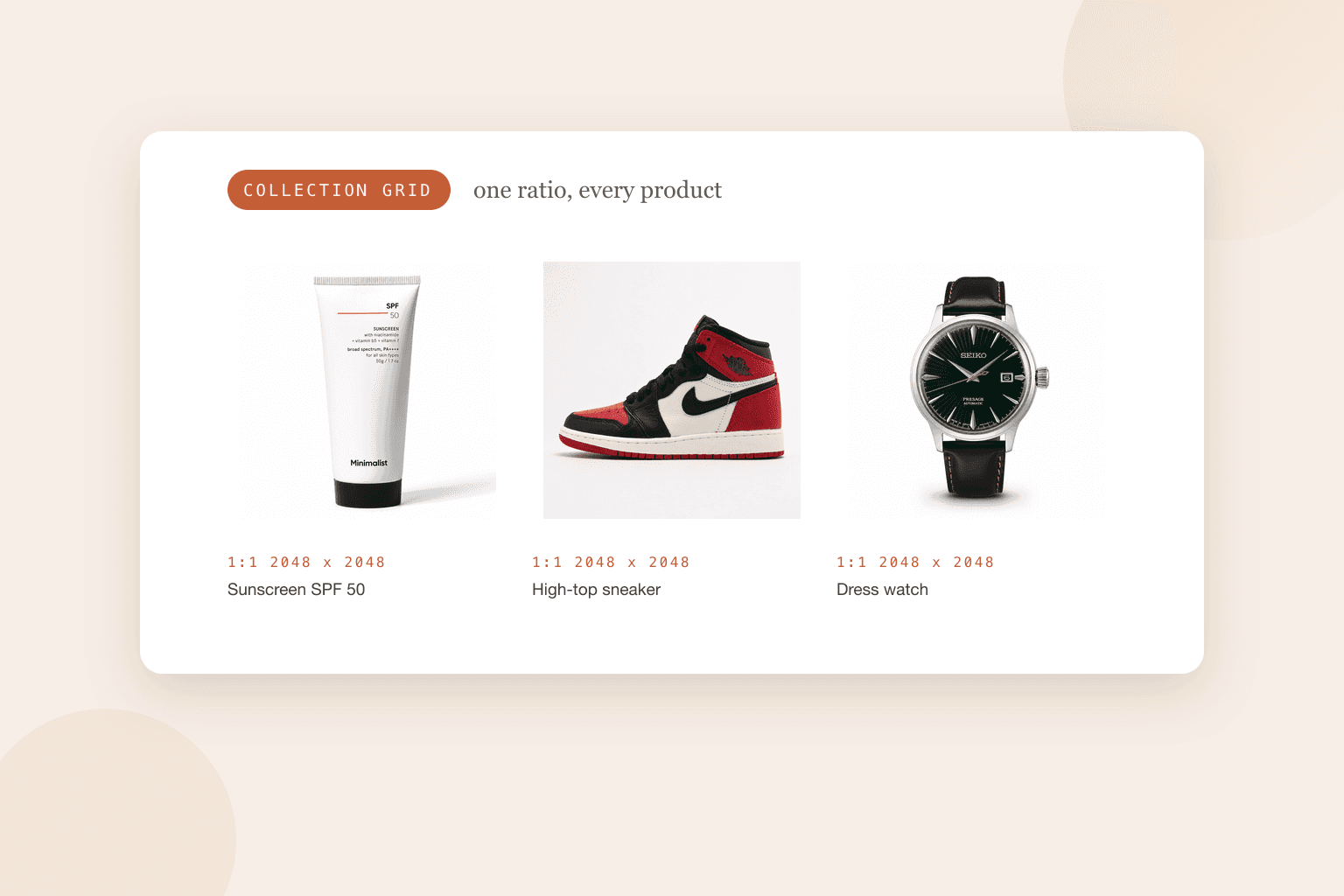
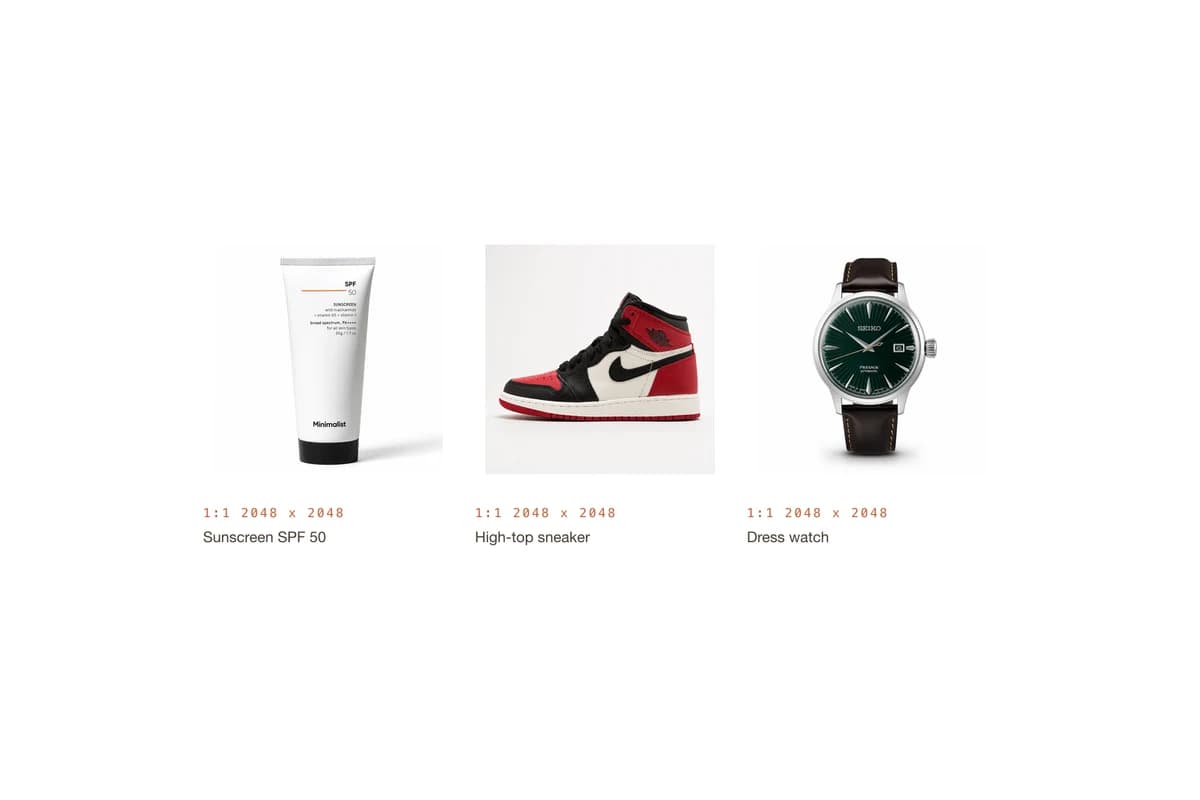
This is the rule that separates a tidy store from a messy one, and Shopify says it plainly: when product images sit side by side on a collection page, they display at different sizes unless the featured images share an aspect ratio.
Pick one and apply it to every main image:
- 1:1 square suits almost everything and is the safest default, since it matches what most themes and marketplaces expect.
- 4:5 portrait gives clothing and tall bottles more height, and fills more of a phone screen.
- 16:9 or 3:2 landscape only really works for wide products like furniture or artwork.
The secondary images on a product page can vary, because they are displayed in a carousel rather than a grid. The featured image is the one that has to match.
Big enough to zoom, small enough to load
Most themes let shoppers zoom by serving a larger copy of the image, so the source file needs more pixels than the display size. A 2048 pixel square gives a detailed zoom on a product page and still looks sharp on a high resolution screen.
The 20 MB limit is a ceiling, not a target. A 2048 pixel product photo exported as a quality JPEG usually lands a few hundred kilobytes, and that is what you want: Shopify resizes and converts on delivery, but it cannot undo a bloated original.
The shots a product page needs
Sizing is the easy half. The set of photos is what sells:
- The hero on a clean background, square, showing the whole product
- A 45 degree angle for depth
- The back or the label, for ingredients and specifications
- A close-up of texture, stitching or finish
- The product next to something familiar, for scale
- The product in use, which is the one most stores skip
- Everything in the box, laid out
If you shoot these yourself, our phone guide covers the window setup, and the white background guide covers getting the backdrop to read white.
Getting there without a studio
If you have one clean photo of the product, BrandShots builds the rest from it: square white heroes at the size Shopify wants, lifestyle scenes for the carousel, and social crops of the same shot. Your product stays as photographed, which is what keeps a listing honest.
Selling on marketplaces too? Their rules are stricter: Amazon demands a pure white main image at 85% fill, and Etsy caps uploads at about 1 MB.
What size should Shopify product images be?
2048 x 2048 pixels, square. That is Shopify's own recommendation for square product images, it zooms well, and it leaves room for the theme to generate smaller versions.
Do Shopify product images have to be square?
No. Shopify accepts any ratio between very wide and very tall. Square is simply the easiest choice to keep consistent, and consistency is what makes a collection page look deliberate.
Which file type is best for Shopify?
PNG for product images according to Shopify, with JPEG next. In practice JPEG is fine for photographs and keeps files smaller, while PNG earns its place for logos, flat graphics and anything with hard edges.
Common mistakes
- Mixed ratios across featured images. The collection grid goes ragged, and no theme setting fully hides it.
- Uploading straight from the camera. A 12 MB file passes the limit and still slows the page.
- Images smaller than the display size. They look soft on retina screens and zoom badly.
- Different backgrounds per product. White here, grey there, a wooden table on the third.
- Forgetting the phone view. Most Shopify traffic is mobile, so check the grid at phone width before you call it done.