001·Social media posts
Free AI social media post generator for product brands
Upload one product photo and get on-brand social media posts with your real product in them, sized for Instagram, TikTok and your store, in under a minute.
5 free credits · No card required · Also on iPhone and Android
- Your real product. Every post is built from your own product photo, not a stock image.
- On brand by default. Your logo, colors and brand voice carry into every post.
- Every size you need. Square, portrait, Story, wide or your own ratio.
- Under a minute. Get 1–3 variants at once and refine any of them.
002·Definition
What is a social media post generator?
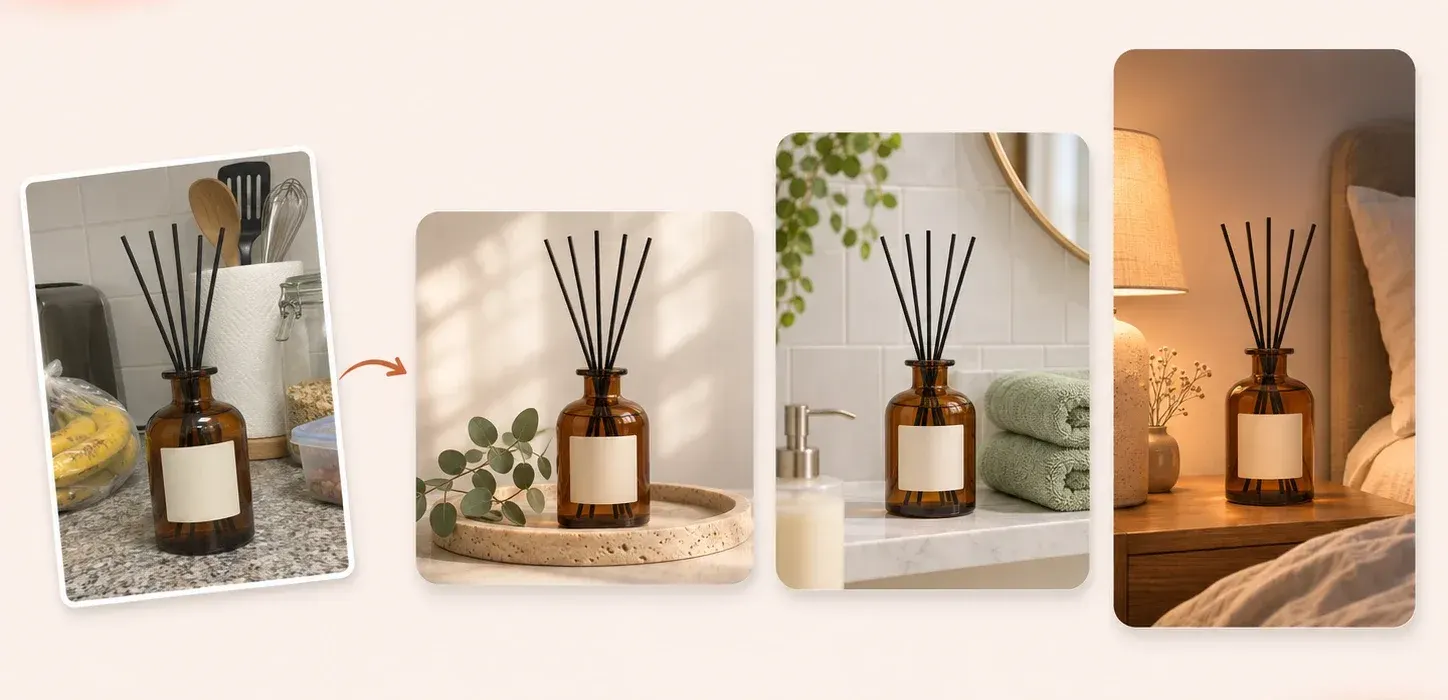
A social media post generator is a tool that creates posts for you, so you don't start from a blank canvas. Most of them either write captions or give you a design template to fill in. BrandShots makes the post image itself: you upload a photo of your product, and it places that exact product in a finished, on-brand scene that's ready to post.
003·How it works
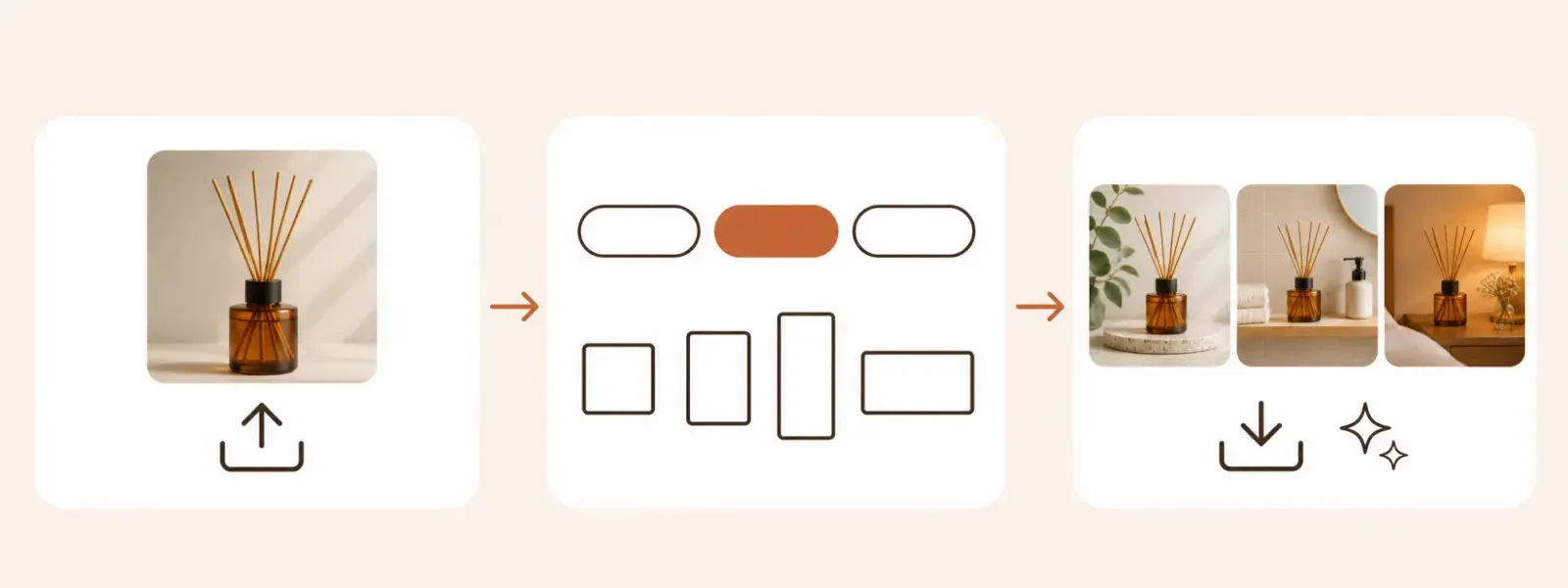
How to make a social media post with AI in 3 steps
- Step 1
Upload one product photo
A clear phone photo is fine. BrandShots cleans up the background and reads the product's details.
- Step 2
Choose Social post and a size
Pick Square for feed posts, Portrait for the Instagram feed or Story for Stories, Reels and TikTok. Add an audience, an offer or a call to action if you like. It's optional, and there are no prompts to write.
- Step 3
Download, or refine
Pick your favorite variant and download a high-resolution PNG. If one is almost right, click Refine and type what to change, like "warmer light" or "move the product to the left".
That's an AI-generated social media post with your actual product in it. Add your caption and hashtags when you post it on Instagram or TikTok, or in your scheduling tool.
004·Templates
Social post templates for every product
Want a head start? Pick a ready-made scene, upload your product, and BrandShots places it in the scene.
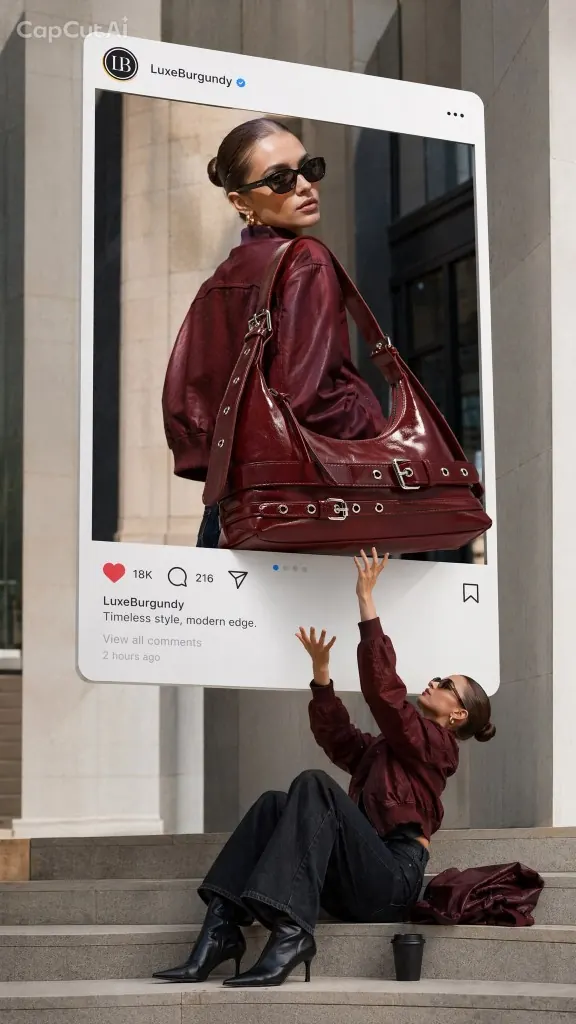
Social Frame
For Instagram and social media promotions
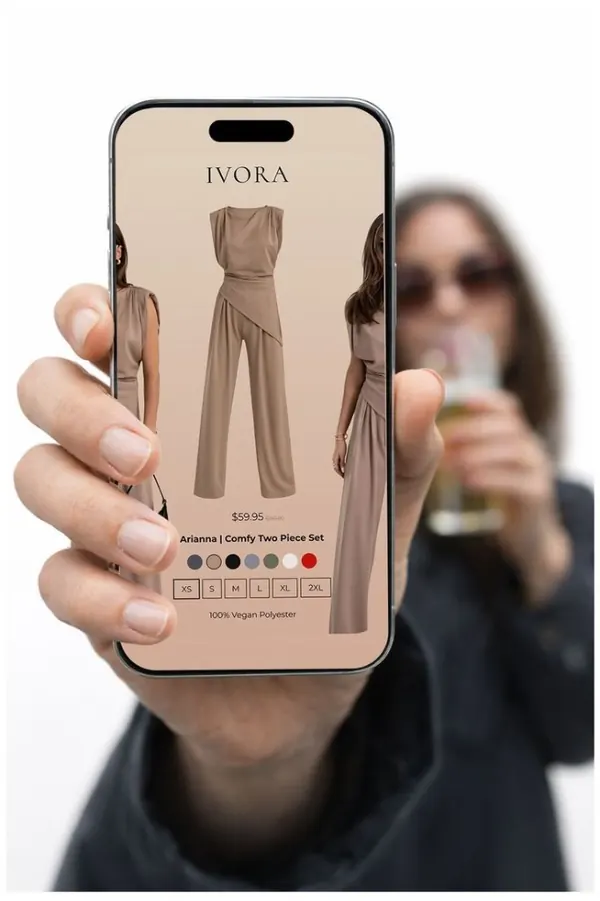
Product Page
For ecommerce launches and online store promotions
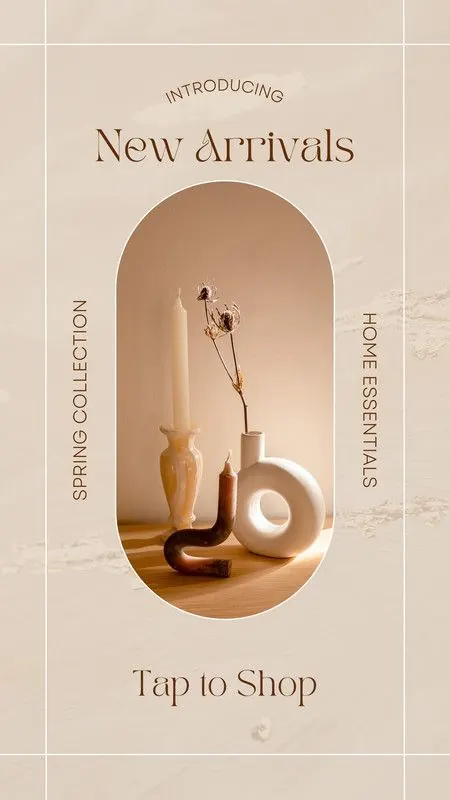
Arch Window
For Instagram and Facebook stories
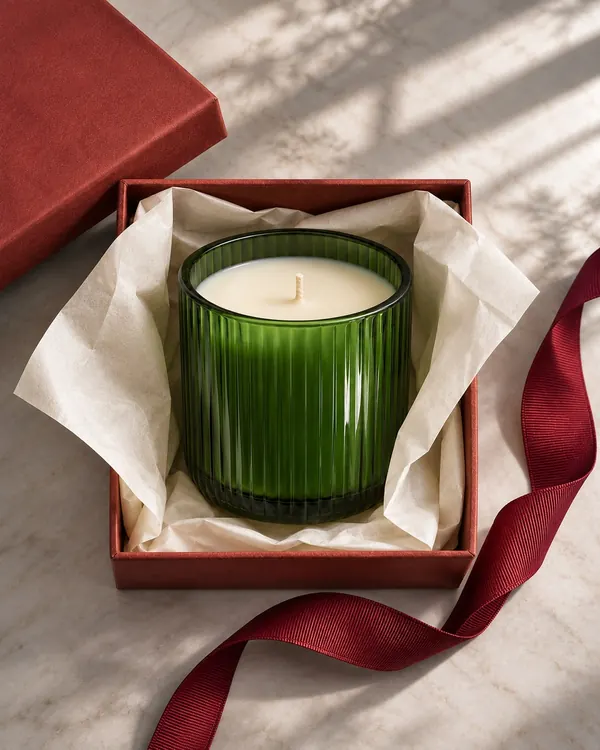
Tissue Unboxing
For candles, gift boxes and unboxing posts
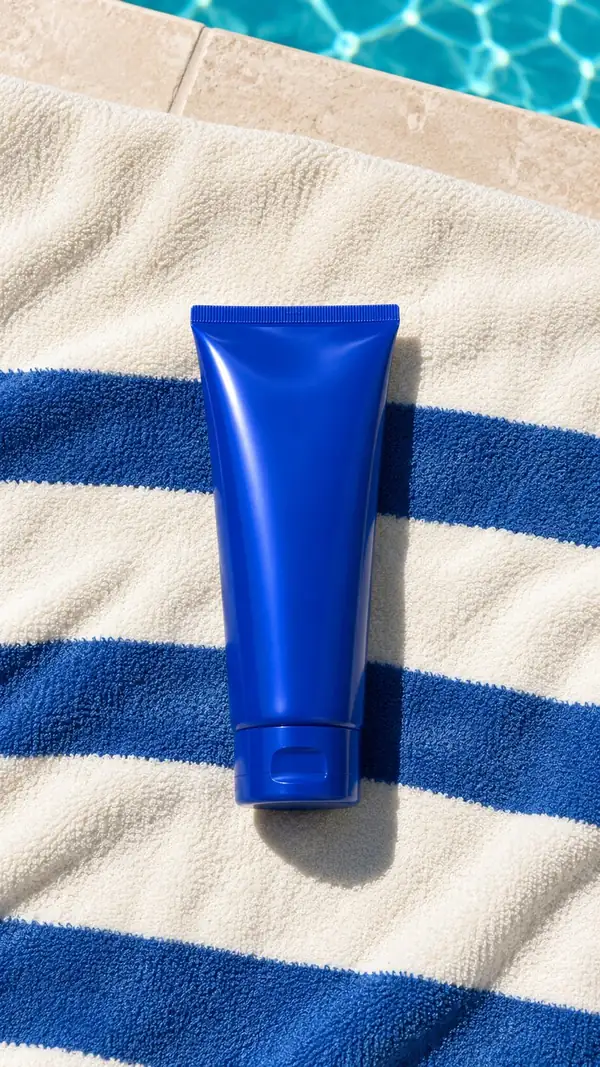
After the Swim
For sunscreen, suncare and summer products
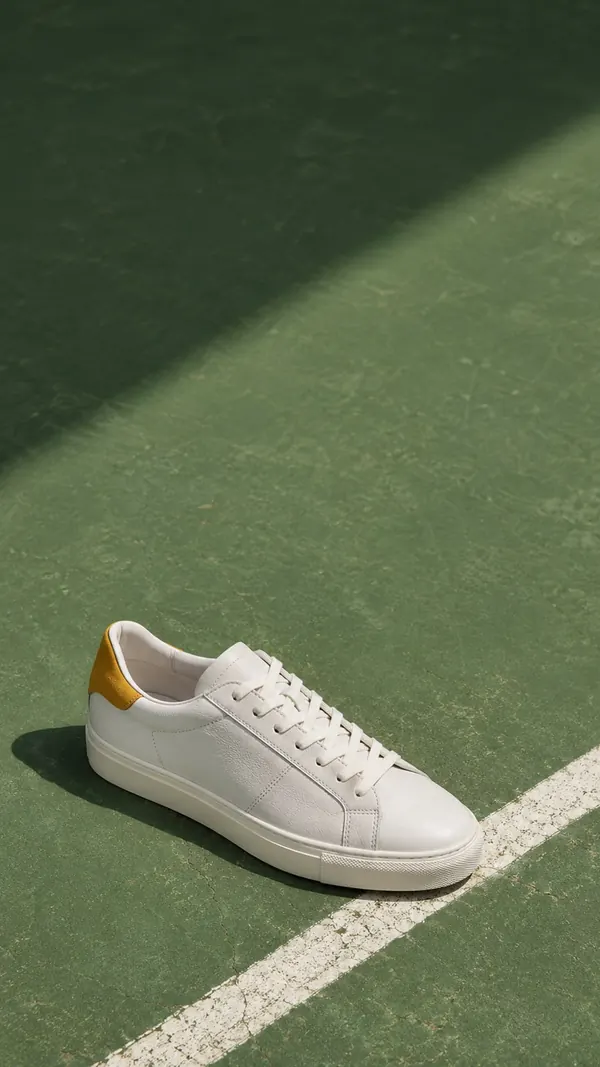
Court Line
For sneakers and sports shoes
005·Sizes
Posts sized for every platform
Choose the size before you generate, so every post fits where it's going.
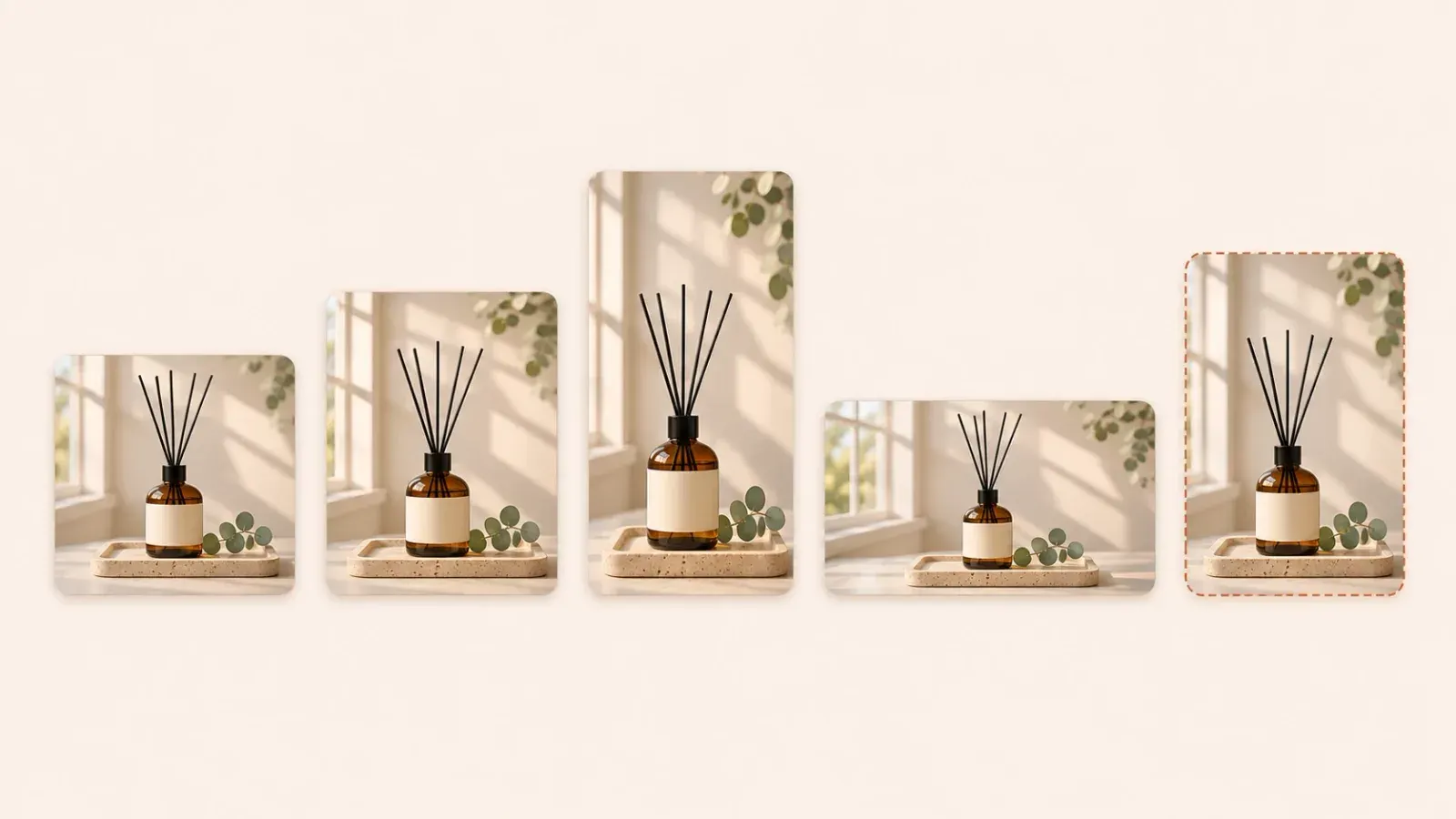
Square 1:1
Feed posts on Instagram, Facebook and LinkedIn, store listings
Portrait 4:5
Instagram feed
Story 9:16
Instagram and Facebook Stories, Reels, TikTok
Wide 16:9
Website banners, YouTube
Custom Your own ratio
Pinterest pins (2:3) and anything else
AI Instagram post generator
BrandShots works as a free AI Instagram post generator for product brands. Choose Portrait (4:5) for feed posts, which take up more of the screen than a square, or Story (9:16) for Stories and Reels covers. Generate a few variants, post the best one today and save the others for later in the week.
The best AI Instagram post generator for a product brand is one that keeps every post on brand, so your grid looks like one shop instead of a mix of styles. That's what the brand kit does, and it's why AI-generated Instagram posts from BrandShots look like they came from the same shoot.
Facebook, TikTok and Pinterest
- Facebook: Square or Portrait for feed posts, Story for Facebook Stories.
- TikTok: Story (9:16) for photo posts and covers.
- Pinterest: use Custom ratio at 2:3, the shape most pins use.
006·Compare
BrandShots vs caption generators and template tools
Most free AI social media post generators do one of two things: they write captions, or they give you a design template to fill in. BrandShots does the part that's hardest to fake: the image of your product.
What you get
- Caption generators
- A caption and hashtags
- Design template tools
- A template you edit
- BrandShots
- A finished post image
Uses your real product photo
- Caption generators
- No
- Design template tools
- You add and place it
- BrandShots
- Yes, automatically
On brand
- Caption generators
- Voice only
- Design template tools
- You set colors and fonts
- BrandShots
- Logo, palette and voice from your brand kit
Design skills needed
- Caption generators
- None
- Design template tools
- Some
- BrandShots
- None
Writes captions
- Caption generators
- Yes
- Design template tools
- Sometimes
- BrandShots
- No, pair it with your caption tool
Schedules posts
- Caption generators
- Sometimes
- Design template tools
- Sometimes
- BrandShots
- No, download and post or schedule in your usual tool
Many social media managers already use a caption tool and a scheduler. BrandShots is the visual part, built for products.
007·Brand kit
Your brand kit on every post
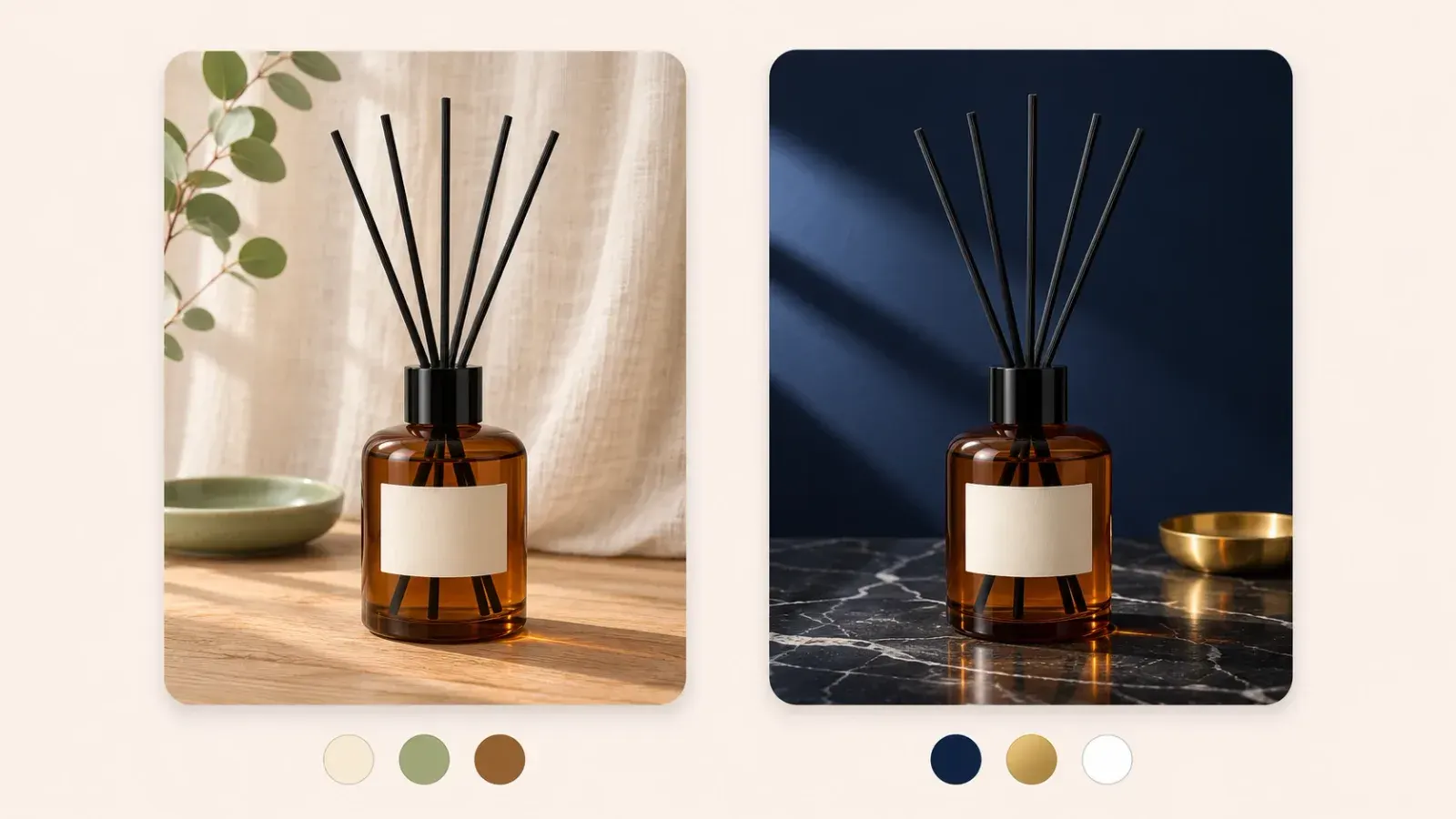
Set up your brand kit once with your logo, color palette and brand voice, or paste your website URL and BrandShots imports them for you. Every post after that follows the kit automatically, and your logo only appears when you ask for it. Running more than one brand? Save several kits and switch with one click. Learn more about how brand kits keep AI creatives on brand.
Made for people who sell products
Shopify, Etsy and Amazon sellers
Posts for every product, not just your best seller.
DTC brands
Launch new products with the same look on every channel.
Social media managers
Fill a week of on-brand posts in an afternoon.
Agencies
Show more concepts per client without booking another shoot.
Planning holiday content? Pair it with our Black Friday marketing ideas and Christmas product photography guides, or see 20 lifestyle product photography ideas for everyday posts.
Free to start
Every new account gets 5 free credits, with no card required. One Standard variant costs 1 credit, so that's enough for a 3-variant post plus a refine. Your free credits don't expire while your account is active.
You do need a free account, so your brand kit and your posts are saved for next time. When you need more, see Pricing.
008·FAQ
Frequently asked questions
It depends on what you need. A caption tool is enough if you only need text, and a template editor works if you want to design posts yourself. If you sell products and need posts that show your real product in on-brand scenes, BrandShots makes the post image from one product photo in under a minute.
Yes. BrandShots gives every new account 5 free credits with no card required. That's enough to make a 3-variant post and refine one. Many caption tools are also free, but they only write text.
Yes. Instagram allows AI-generated and AI-edited images. Meta may add an "AI info" label when it detects that an image was made with AI, or when you disclose it yourself. Keep your product looking exactly like what customers receive, and check Meta's Help Center for the latest rules, especially for ads.
They can, when they look like your brand and show the real product. AI posts succeed on the same things as any post: a clear product, a scene your customer recognizes and a consistent look. Test a few AI variants against your usual posts and keep what works.
Upload one product photo to BrandShots, choose Social post and a size (Square, Portrait, Story, Wide or a custom ratio), and generate. You get 1–3 variants in under a minute. Download the one you like, or use Refine to change the light or the scene with one line of feedback.
No. BrandShots makes the post image. Add your caption and hashtags when you post, or use your usual caption and scheduling tools.
Yes. All paid plans include commercial use, so you can post the images, run them as ads and use them in your store. You can't resell the raw images as stock photos.
More general questions about how BrandShots works are answered in the main FAQ.
Your next post is one upload away.
Make your first AI social media post free. 5 free credits, no card required.
Cancel anytime · No setup fee · 5 free credits, no card
Also on iPhone and Android